
Fix the Windows VPN "Could Not Be Established" Error
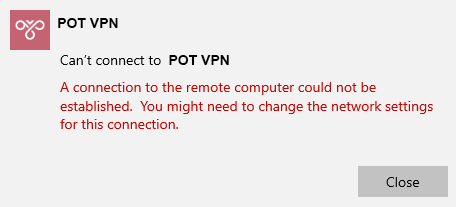
If you see the error "A connection to the remote computer could not be established" (or similar), it's an easy fix.
Reinstall the WAN Miniport adapters
- In the Windows search box, type Device Manager and open it.
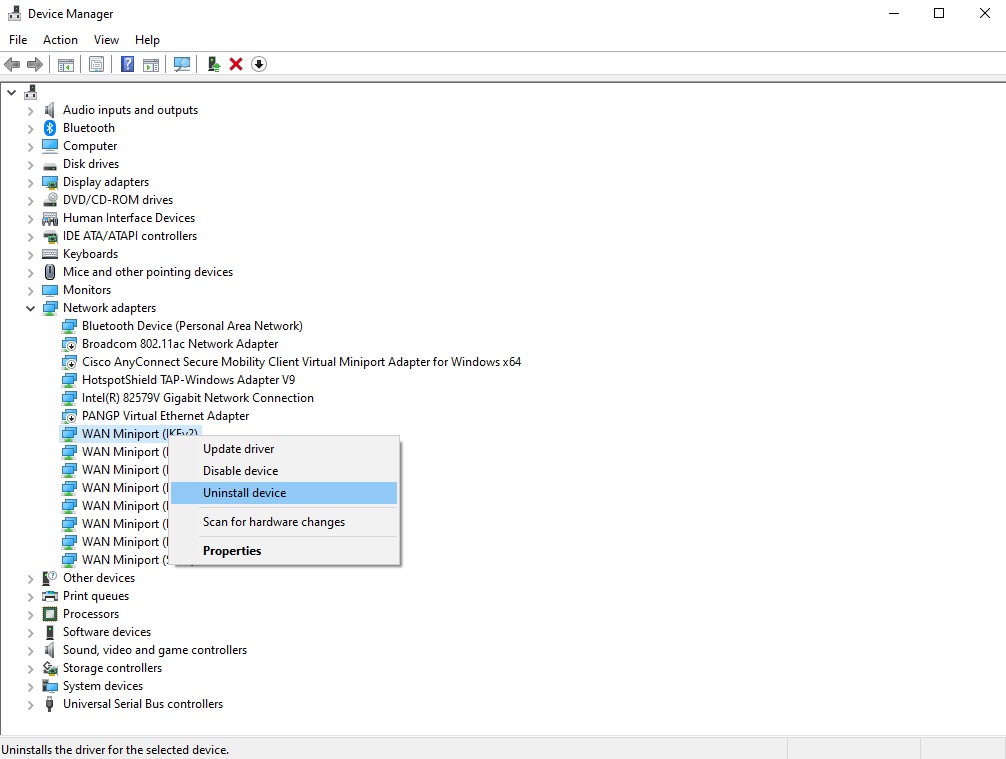
- Expand Network adapters, right-click a WAN Miniport entry, and choose Uninstall device.
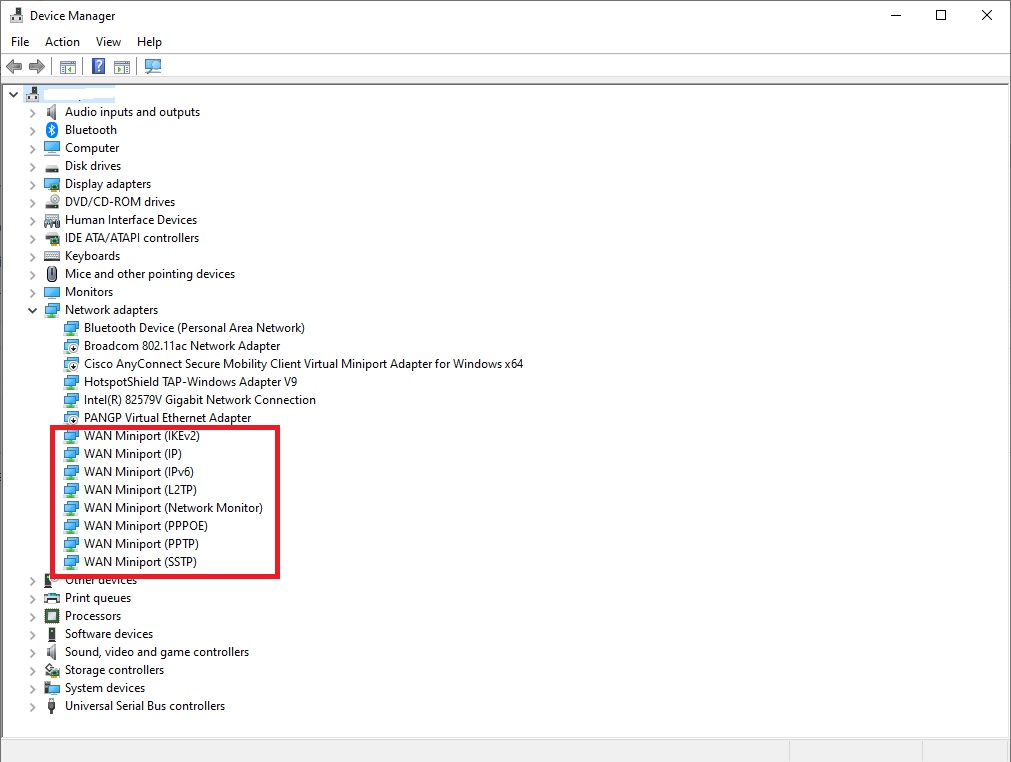
- Repeat for each WAN Miniport, one by one:
- WAN Miniport (PPTP)
- WAN Miniport (PPPOE)
- WAN Miniport (Network Monitor)
- WAN Miniport (L2TP)
- WAN Miniport (IPv6)
- WAN Miniport (IP)
- WAN Miniport (IKEv2)
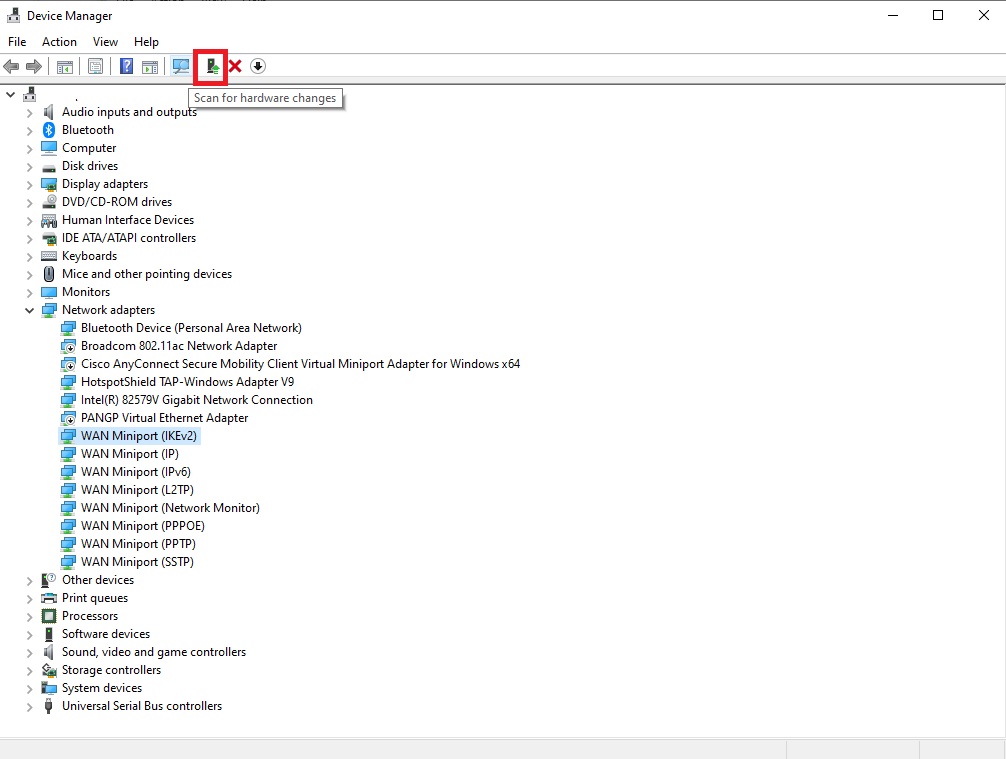
- Click the Action menu at the top and choose Scan for hardware changes — Windows reinstalls the adapters.
- Connect to your VPN again.