
Enable or Disable PvP on Your ARK Server
You can switch your ARK server between PvP and PvE. Each mode needs a change in two files: Game.ini and GameUserSettings.ini.
Enable PvP
- Stop the server.
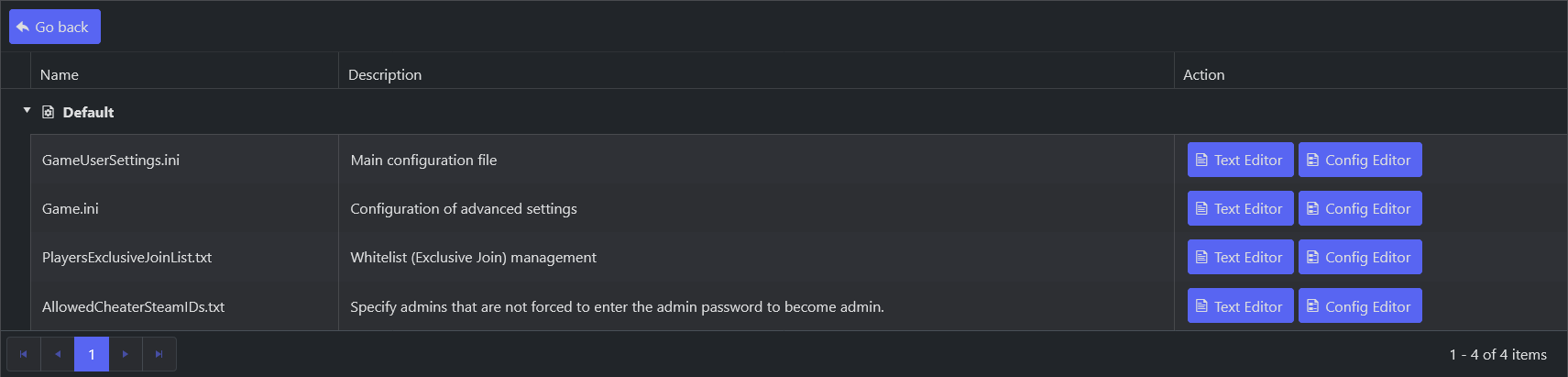
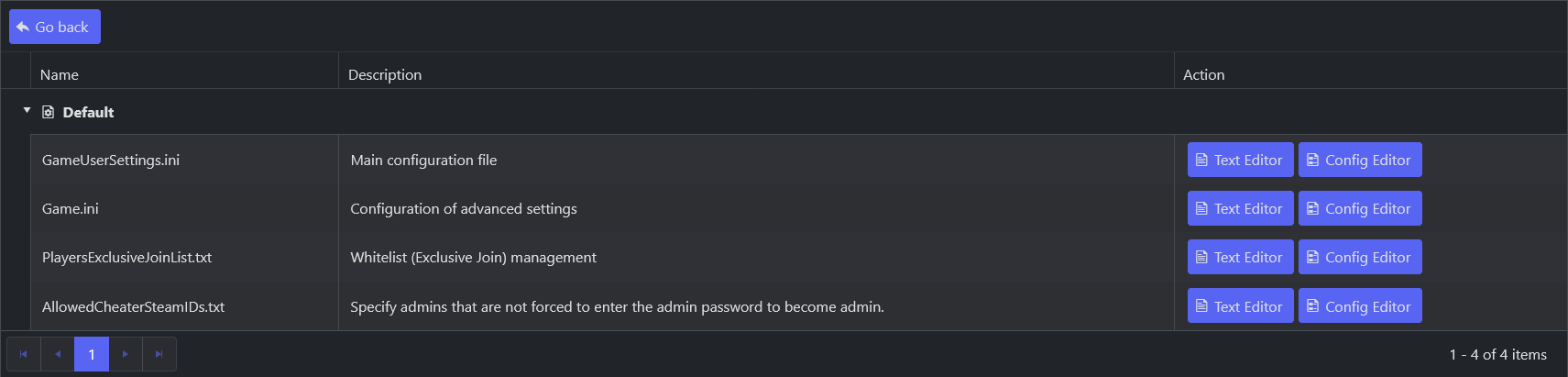
- In Configuration Files, open
Game.iniwith the Config Editor.
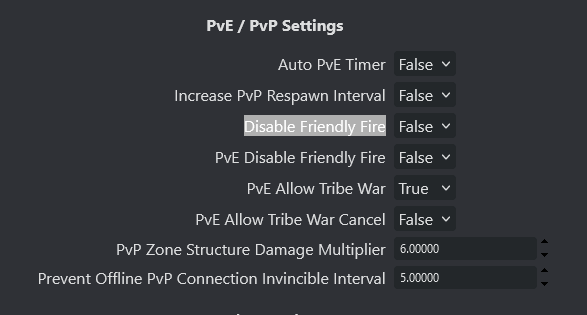
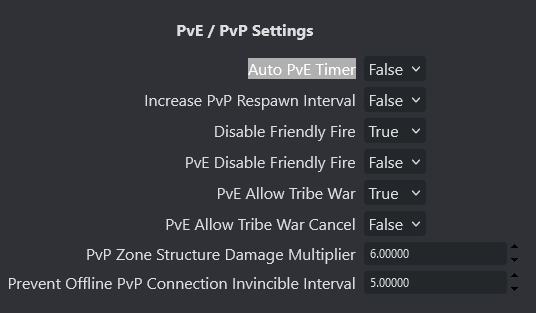
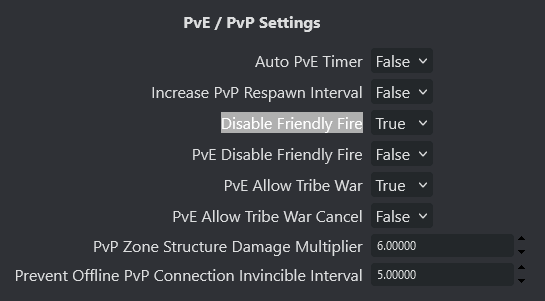
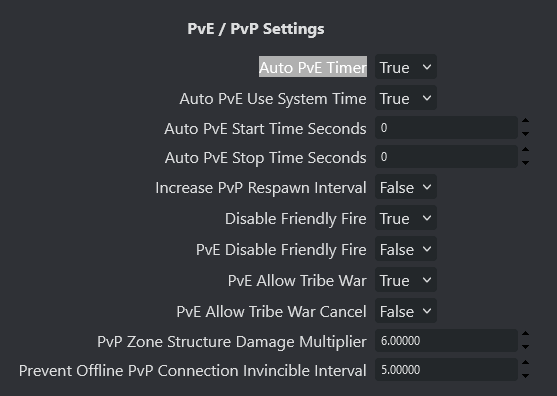
- Set Disable Friendly Fire to False and Auto PvE Timer to False, then save.
- Open
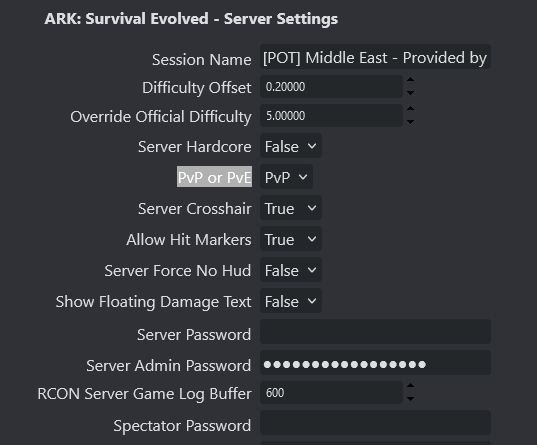
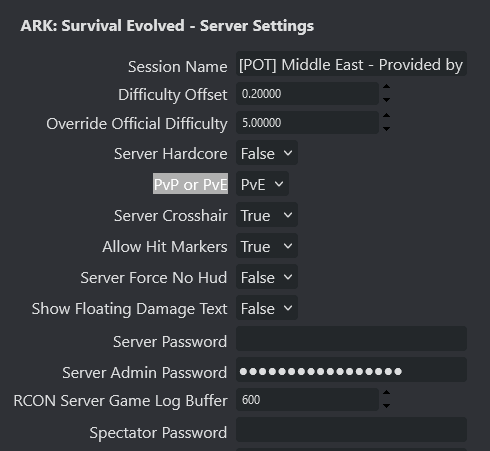
GameUserSettings.iniwith the Config Editor and set PvP or PvE to PvP.
- Start the server.
Disable PvP (switch to PvE)
- Stop the server.
- In Configuration Files, open
Game.iniwith the Config Editor.
- Set Disable Friendly Fire to True and Auto PvE Timer to True, then save.
- Open
GameUserSettings.iniwith the Config Editor and set PvP or PvE to PvE.
- Start the server.
