
Hide Admin Commands from Chat on Your ARK Server
By default, ARK shows admin commands in the in-game log, where players can see them. To keep admin actions private, turn off admin logging.
Disable admin logging
- Log in to the Game Panel, open your server, and Stop it.
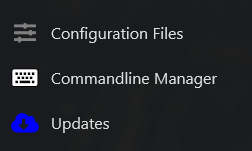
- Click Configuration Files in the side menu.
- Open
GameUserSettings.iniwith the Text Editor (not the Config Editor).

- Find the
AdminLoggingline (around line 44 in our default config) and change it fromTruetoFalse.
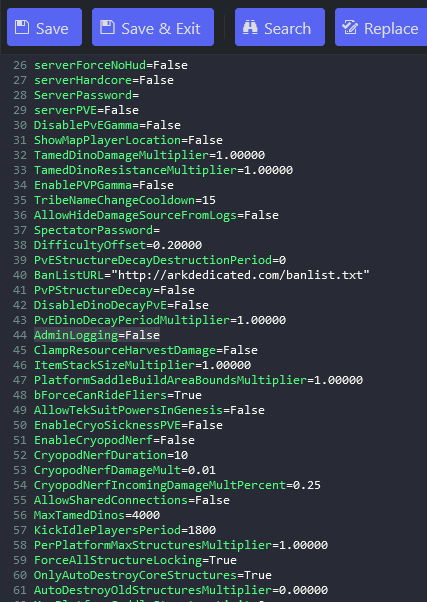
- Save & Exit, then Start the server.
