
Disable ARK Events on Your Server
ARK events are special occasions with boosted rates, limited-time content, or extra permanent content. If you'd rather run your server without any events, you can set the active event to None in the startup commandline.
Disable events
- Log in to the Game Panel, open your server, and Stop it.
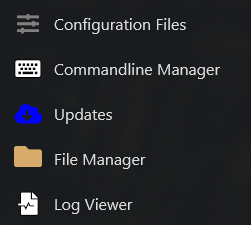
- Click Commandline Manager in the side menu.
- Switch from Predefined Commandlines to Custom Commandlines.
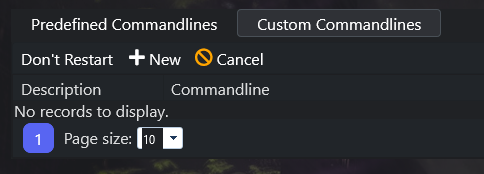
- Click New and set up your commandline (description, map or Mod ID, and other settings).
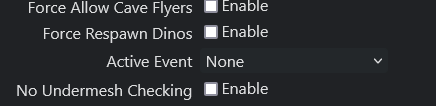
- Make sure Active Event is set to None.
- Save your custom commandline, then Start the server.
All events — current and future — stay disabled until you change the Active Event back.
