
Edit spigot.yml (Configure Your Spigot Server)
spigot.yml controls a wide range of options for your Spigot server. Spigot's options can change between versions — you can always find the full, up-to-date reference on the official Spigot configuration wiki.
Edit the file
- Open your server in the Game Panel and Stop it.
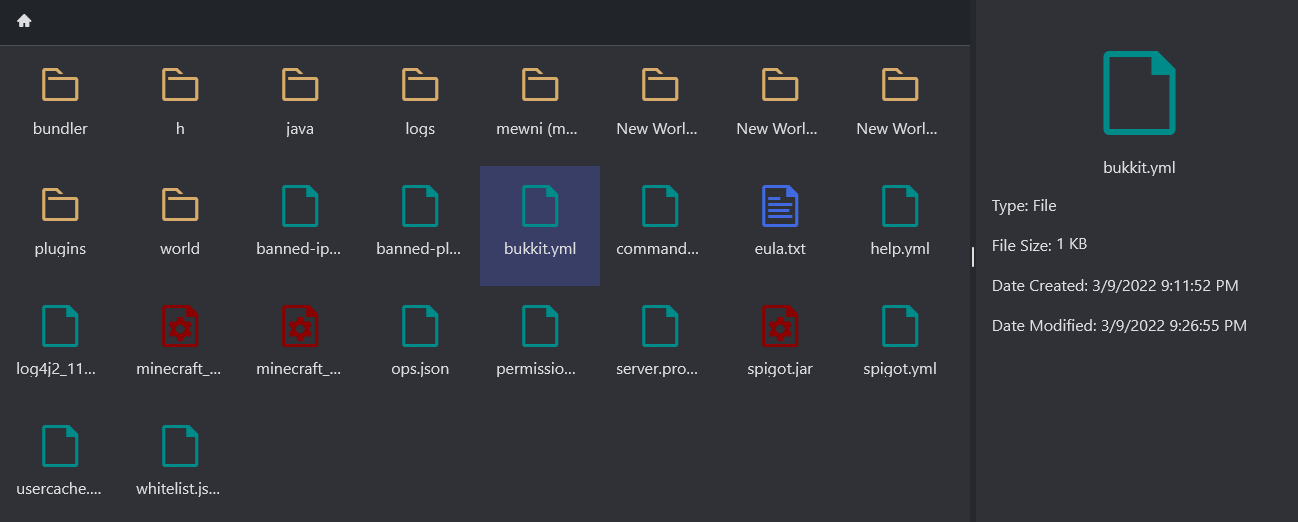
- In the side menu, open File Manager and filter to
*.yml. - Double-click
spigot.ymlto edit it.
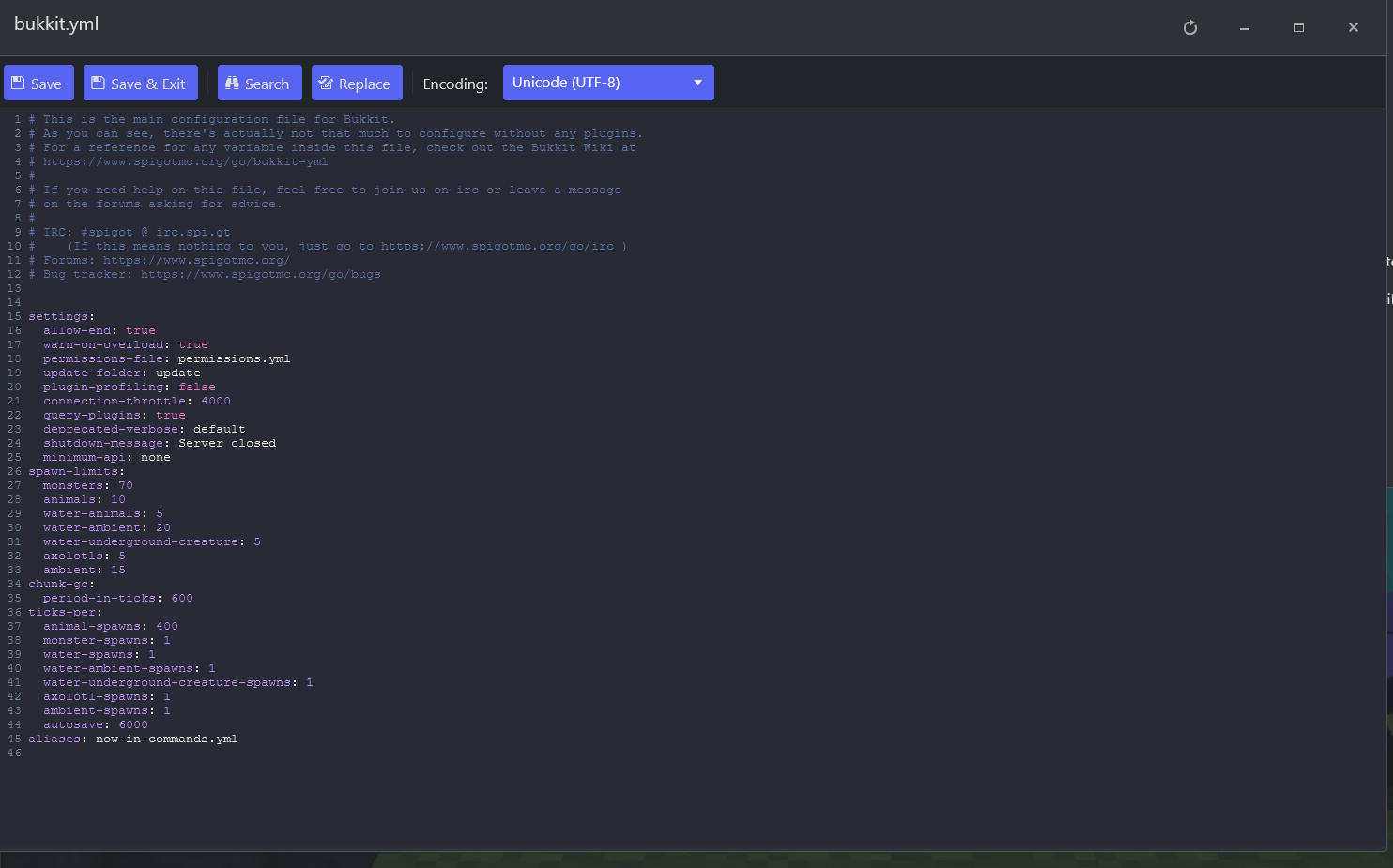
- Save & Exit, then Start your server.
Commonly changed options
These are the settings most server owners adjust (the per-world ones live under world-settings):
| Option | What it does |
|---|---|
view-distance | Chunks loaded around each player (1–15). Lowering it reduces load on busy servers. |
mob-spawn-range | Radius (in chunks) around players where mobs spawn. |
entity-activation-range | How close entities (animals/monsters/misc) must be to tick at full rate. Lowering it boosts performance but can affect farms. |
entity-tracking-range | How far entities are visible to clients. Mainly affects client-side lag. |
item-despawn-rate | Ticks before dropped items despawn. Lower = items vanish faster (fewer entities to tick). |
nerf-spawner-mobs | When true, spawner mobs have no AI — a big performance saver. |
max-tick-time | Max time (ms) tile/entity operations may take before the server moves on. Lower can boost performance. |
restart-on-crash / restart-script | Whether to auto-restart on a crash, and which script to run. |
Stuck on a particular option? Open a support ticket and we'll help.
