
Install Plugins on Your Minecraft (Spigot) Server
Installing Spigot plugins on your Minecraft server is quick.
Install a plugin
- Make sure Spigot is installed: go to Server menu → Updates.
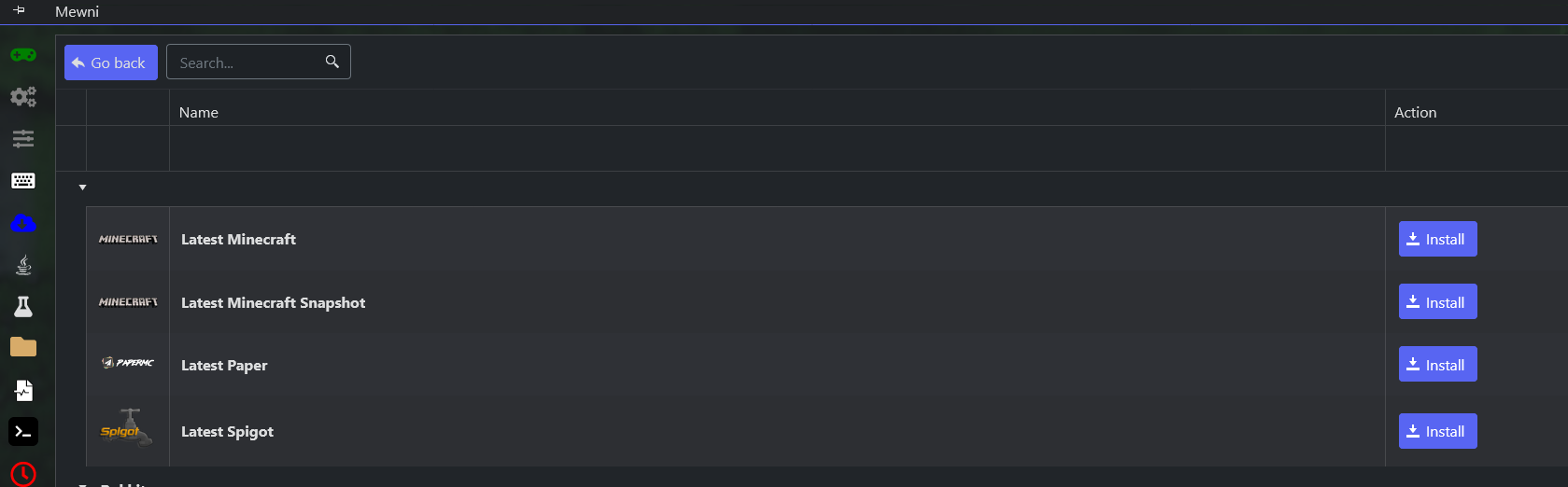
- If this is the first time, run the server once to generate the plugins folder, then Stop it.
- Download the plugins you want from SpigotMC.
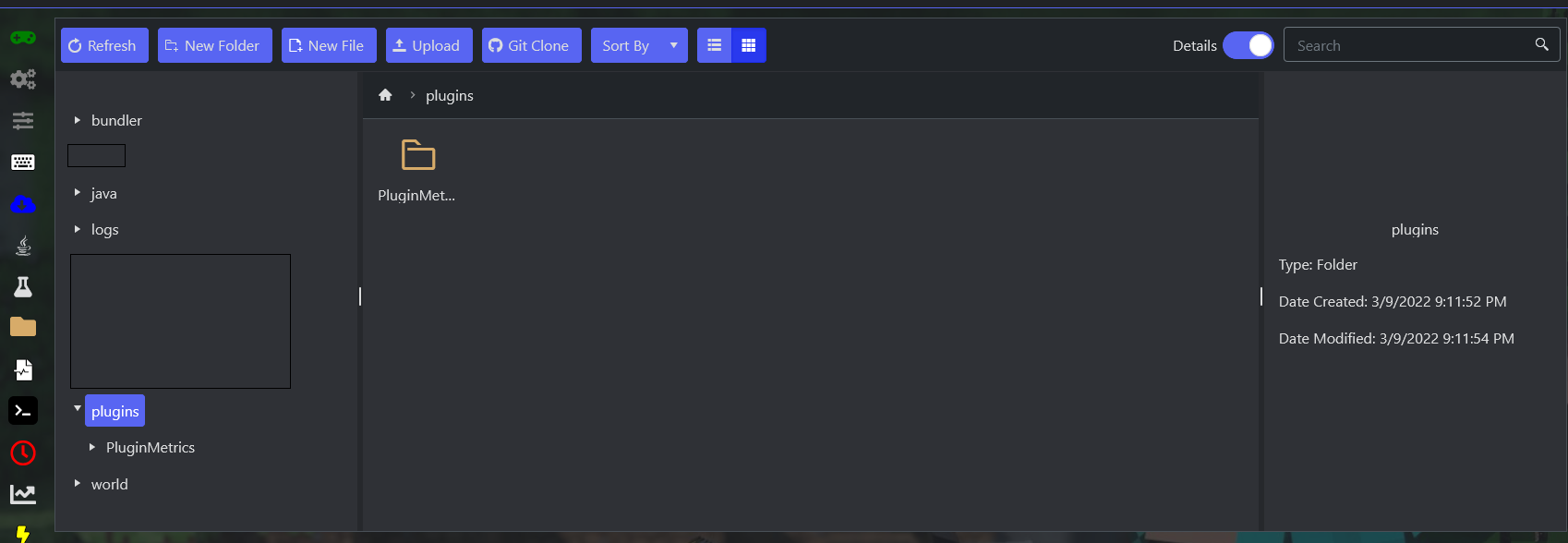
- Upload them to your server's plugins folder via File Manager → plugins.
- Start your server — the new plugins load on startup.
