
Add an Admin (OP) to Your Minecraft Server
There are two ways to give a player operator (admin) rights: the quick Web Console command, or by editing the ops.json file when the console won't load. Try Method 1 first, and fall back to Method 2 if needed.
Before you begin: you'll need access to your server in the Game Control Panel, and the player's exact in-game username.
Method 1 — Using the op command (recommended)
1. Log in to the Game Control Panel and open your server.
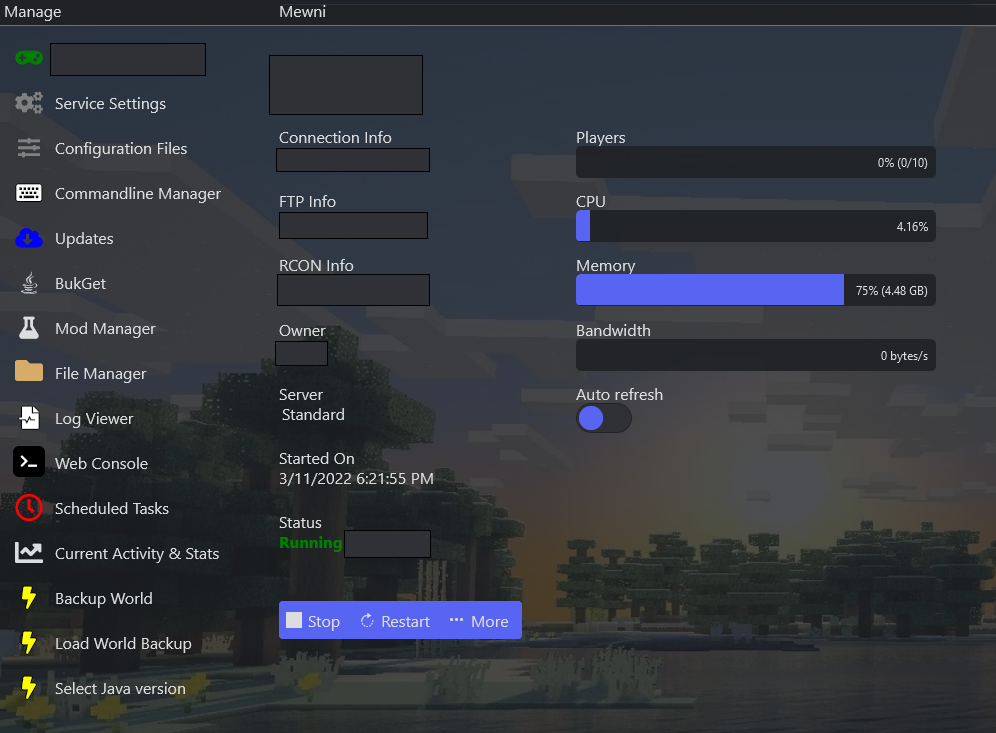
2. Open Web Console from the side menu.
3. In the command field, type op username (replace username with the player's exact in-game name) and press Enter.

Tip: to remove operator rights later, type
deop username. That player is now an admin.
Method 2 — Editing ops.json (if the console won't load)
When to use this: some Minecraft versions, mods, or plugins stop the Web Console from loading — often a Java version mismatch. We recommend checking the Java version your mod or plugin requires (on the author's page) and selecting it under Select Java Version in the panel, rather than relying on “Auto”.

1. Log in to the Game Control Panel and open your server.
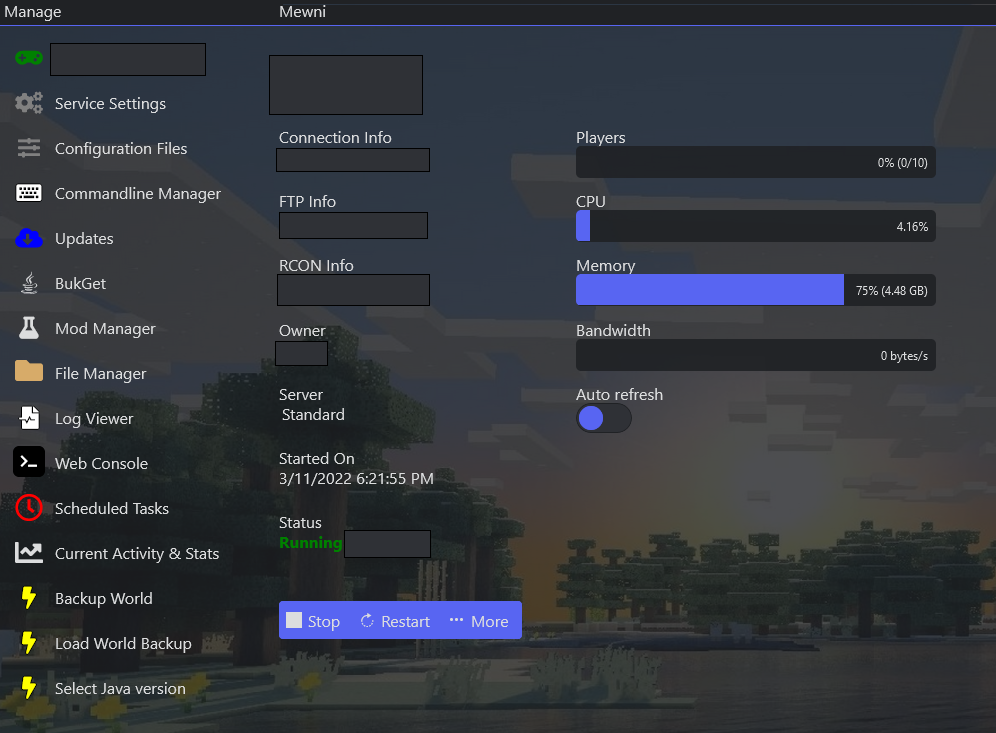
2. Open File Manager from the side menu.
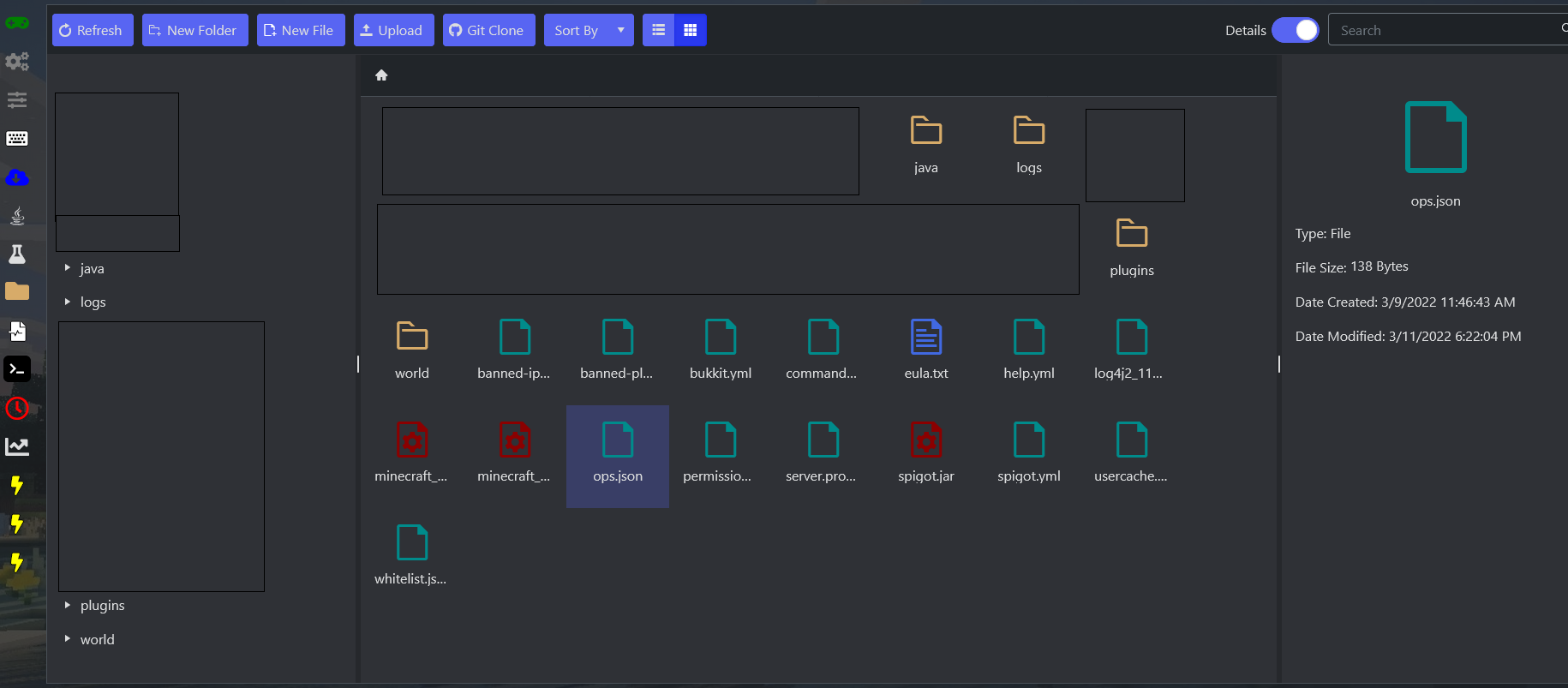
3. Double-click ops.json.
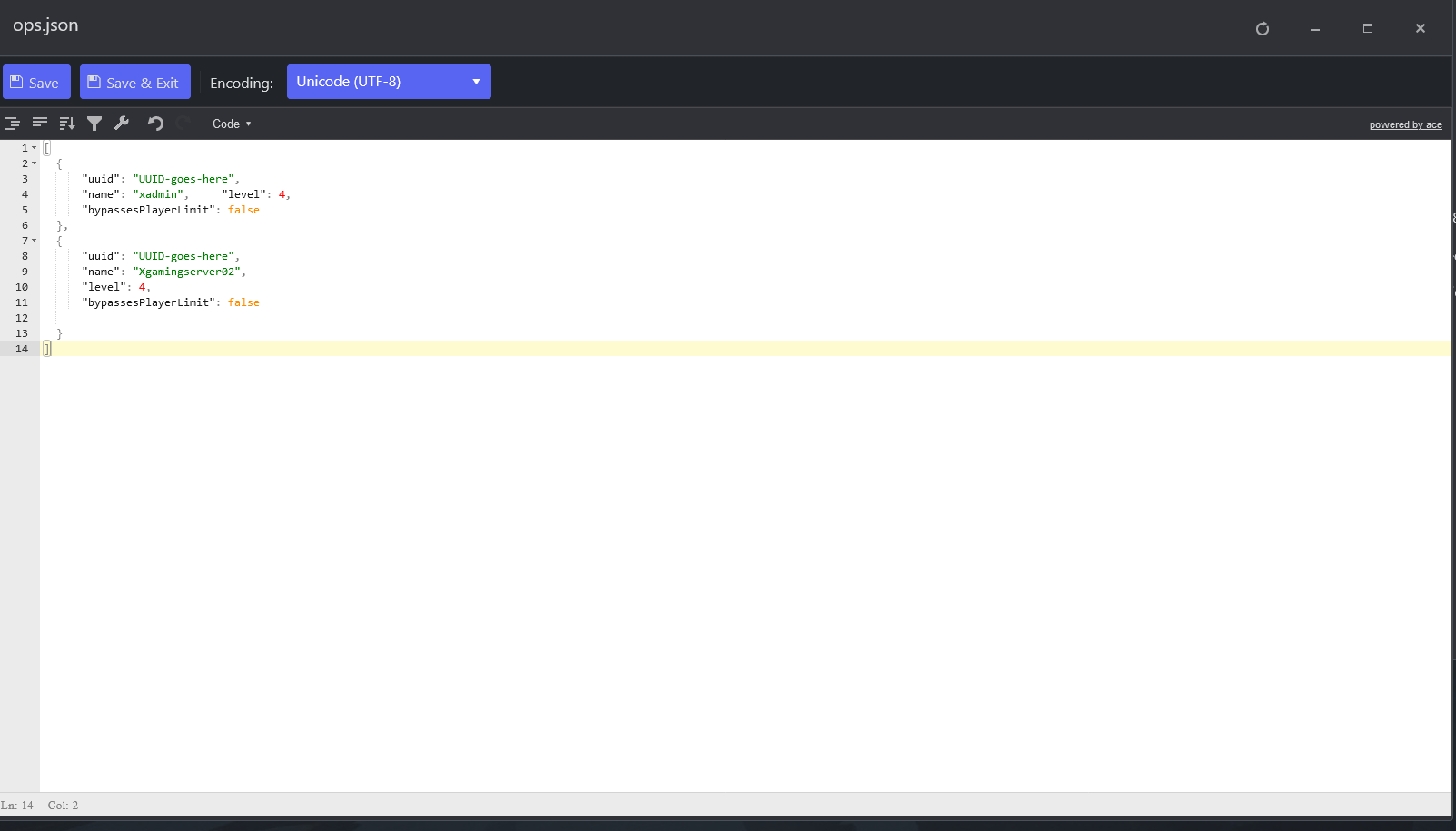
4. Add an entry for each admin, following this format:
[
  {
    "uuid": "UUID-goes-here",
    "name": "xadmin",
    "level": 4
  }
]
5. Save & Exit. If the change doesn't take effect, restart the server.
Customizing admin permissions: all operators get the same level of access. To set different access levels per admin, install a permissions plugin such as GroupManager or PermissionsEX.
Useful admin commands
| Command | What it does |
|---|---|
op <player> | Grants operator (admin) status. |
deop <player> | Revokes operator status. |
kick <player> [reason] | Disconnects an online player, with an optional reason shown to them. |
ban <player> [reason] | Blacklists a player so they can no longer connect. Bans override any whitelist. |
ban-ip <ip> | Blacklists an IP address; all connections from it are rejected. |
banlist [ips] | Shows the ban list. Add ips to show banned IP addresses. |
pardon <player> | Removes a player from the blacklist. |
pardon-ip <ip> | Removes an IP address from the blacklist. |
list | Shows all currently connected players (same as pressing Tab). |
whitelist <add|remove> <player> | Adds or removes a player from the whitelist. |
whitelist <on|off> | Enables or disables the whitelist. Ops can always connect. |
whitelist list | Displays all whitelisted players. |
save-all | Writes all pending world changes to disk. |
save-off / save-on | Disables / re-enables the server writing to world files. |
stop | Gracefully shuts down the server. |
