
Use Custom Maps from the Steam Workshop (ARK)
You can run a custom map from the Steam Workshop on your ARK server. As an example, this guide uses a workshop map and shows how to set it as your active map.
Part 1 — Subscribe to the map in the Steam Workshop
- Log in to your account and open your Server status page.
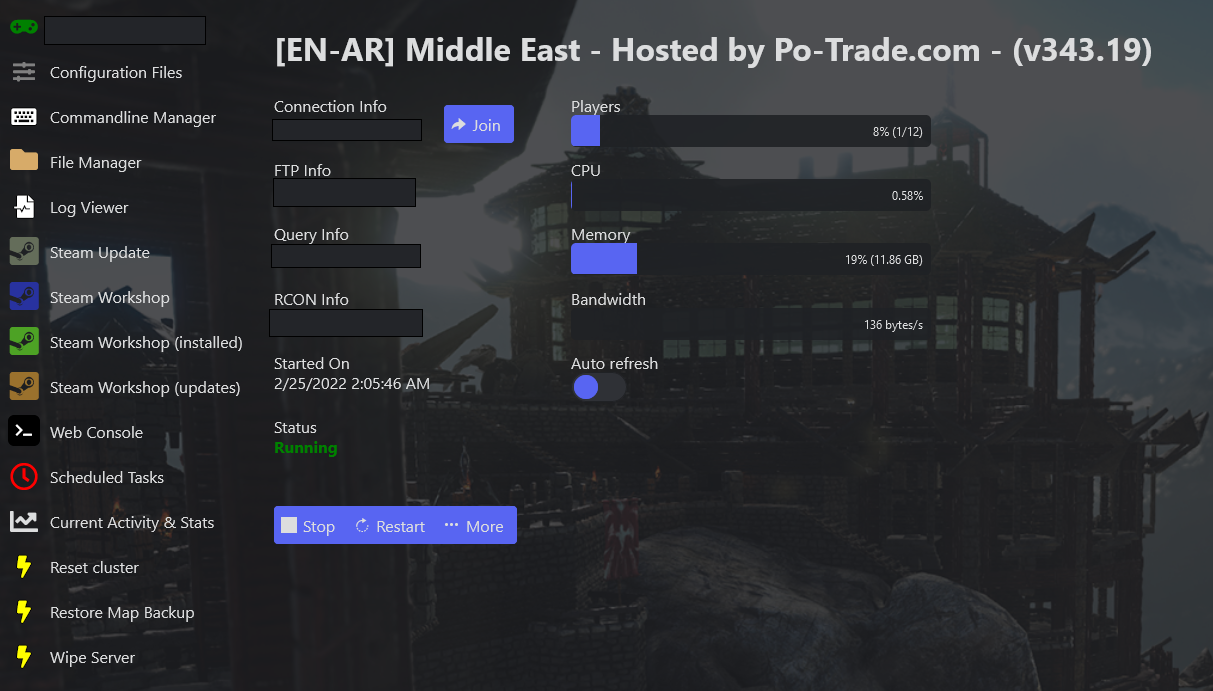
- Click Steam Workshop in the side menu.
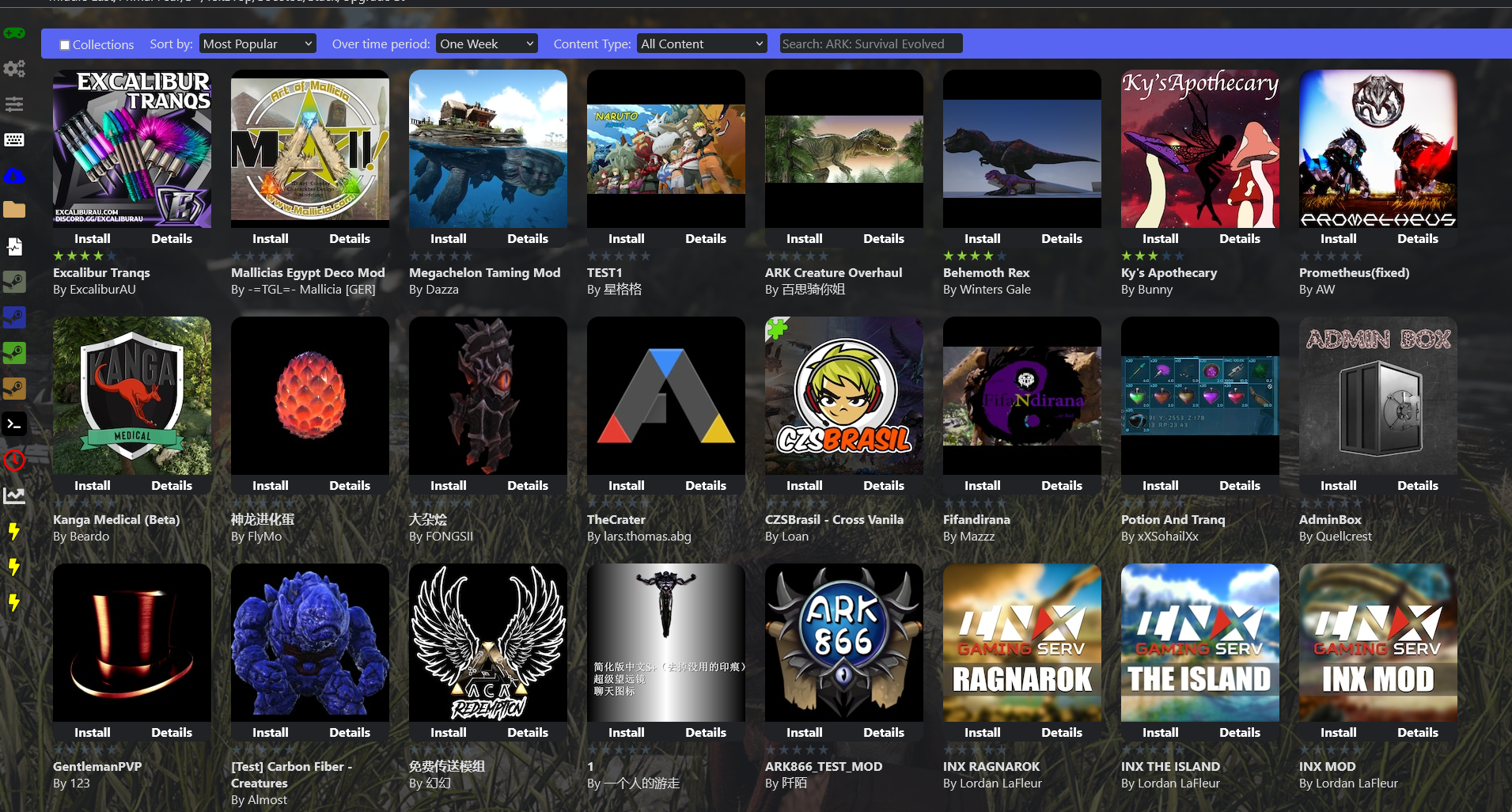
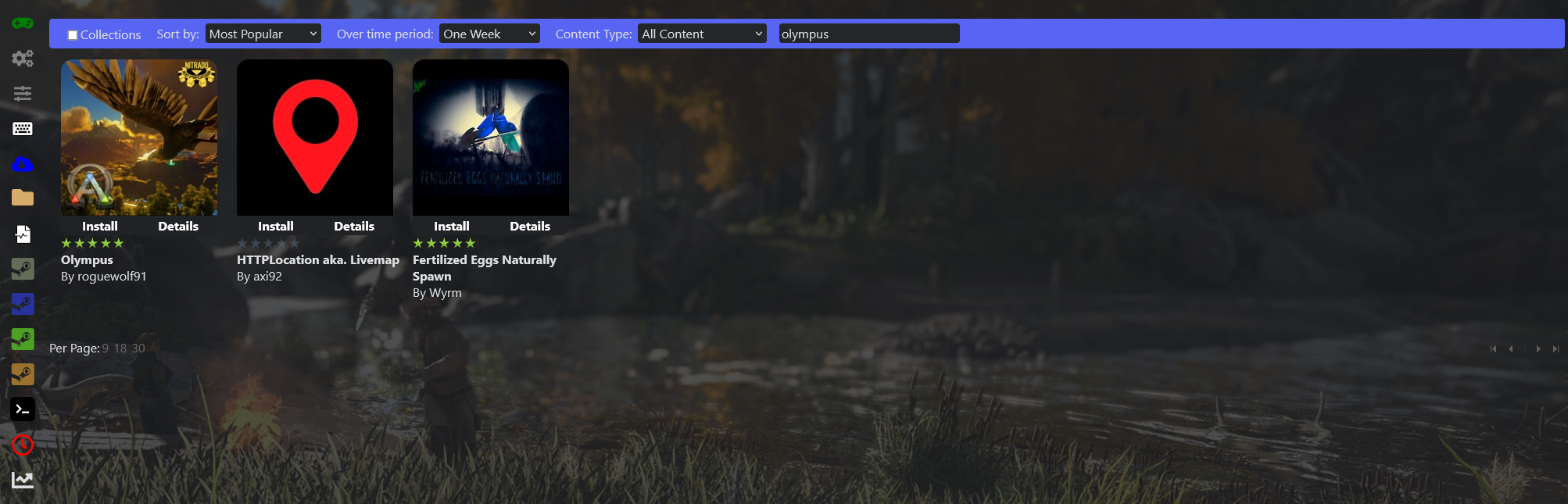
- Search for your map (top-right search box) and install it.
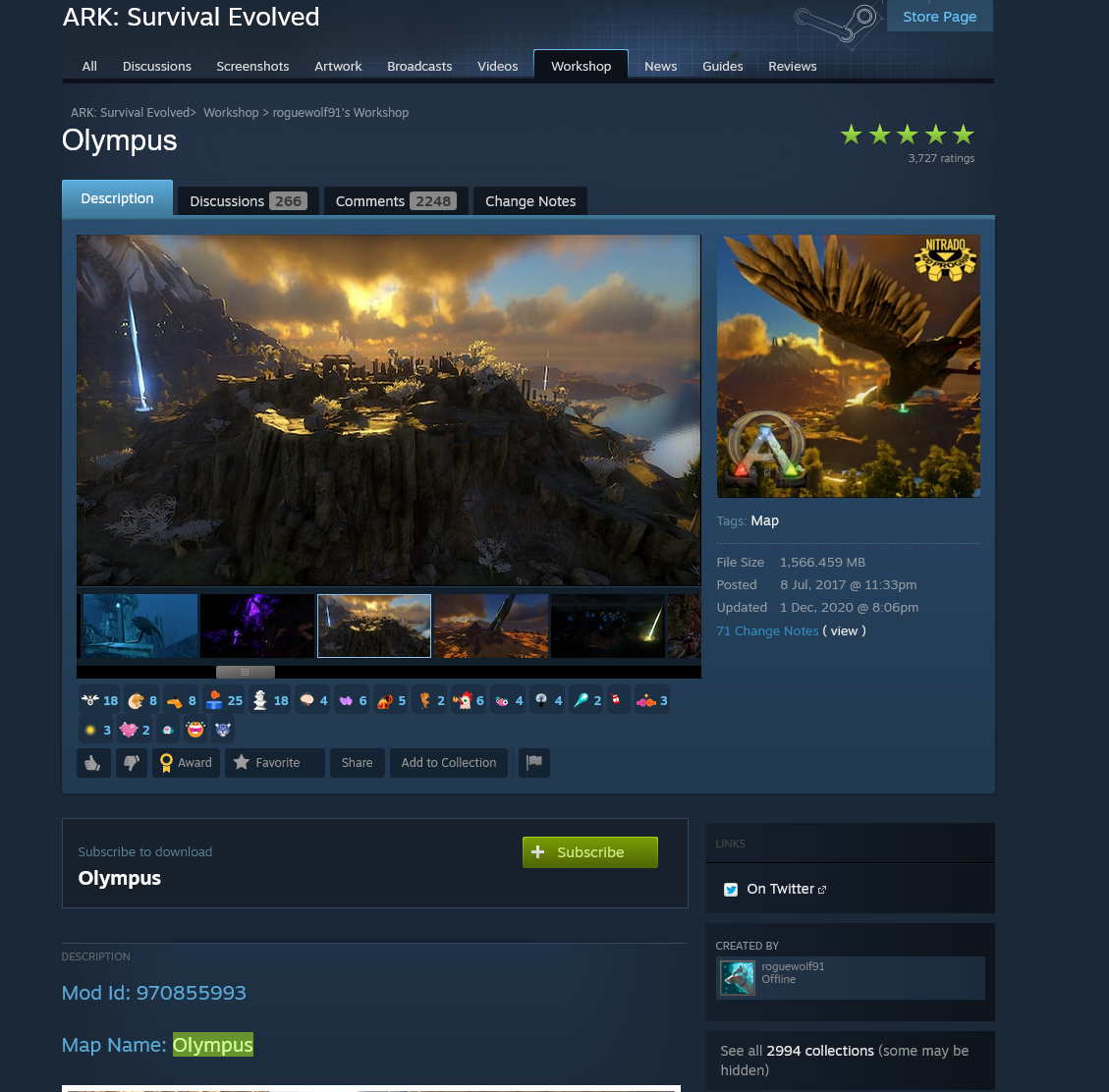
- Once installed, click Details to open the map's Steam page, and write down its Map name and Mod ID.
Part 2 — Set the map in your commandline
- Go back to your Server status page.
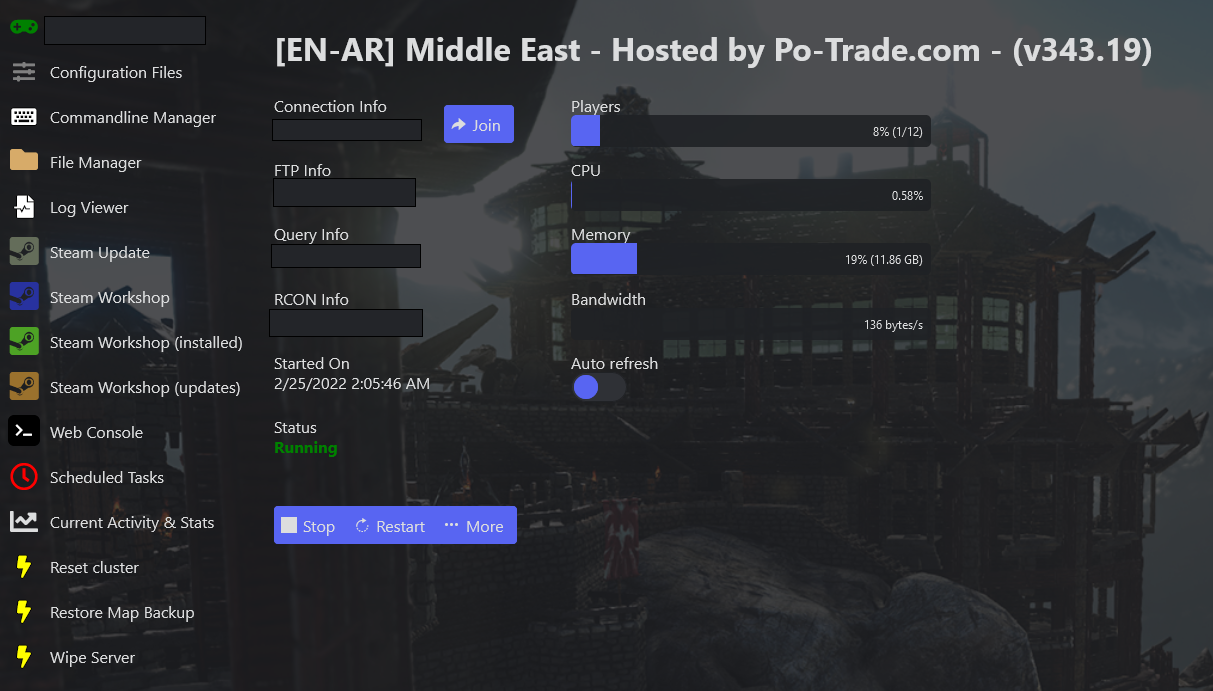
- Open Commandline Manager from the side menu.
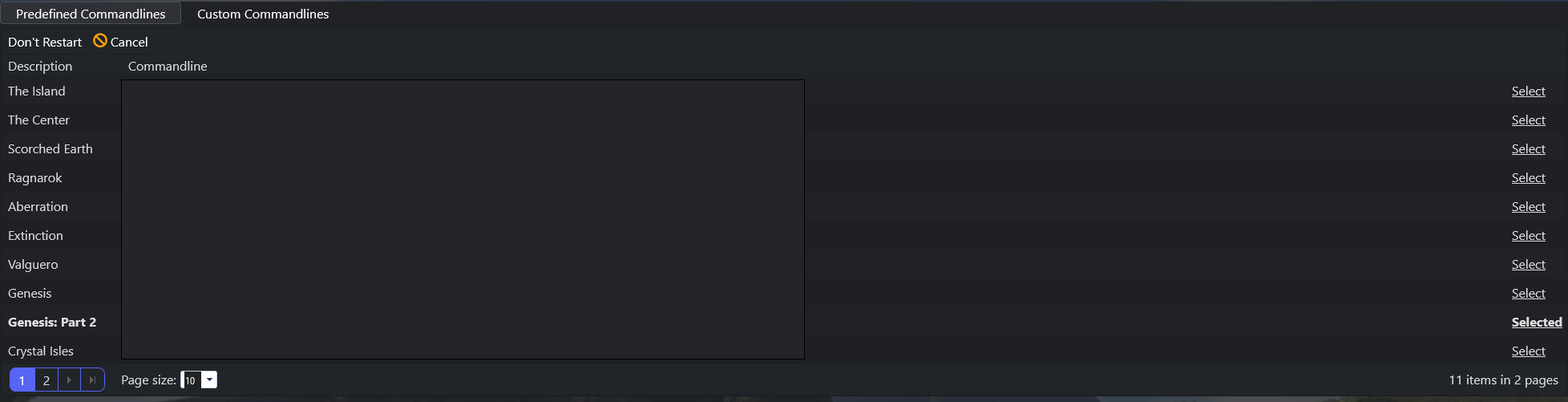
- Click the Custom Commandlines tab.

- Click + New to add a custom commandline, and enter the Map name from Part 1.
- Set Start server with MapModID? to No, I want to use a map name.

- Configure any other settings you want, Save the commandline, then Start your server.
Prefer to use the Mod ID instead?
- Set Start server with MapModID? to Yes, I want to use a Map Mod ID.
- Save and start the server.
If everything is set correctly, your server will load the custom map on the next startup.
