
RDP / SSH Connection Refused — What to Do
For security, RDP and SSH access to our VPS service is limited to certain countries — this protects against brute-force and other attacks.
The problem
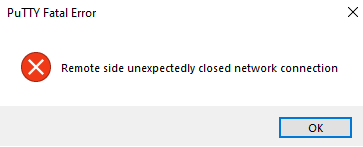
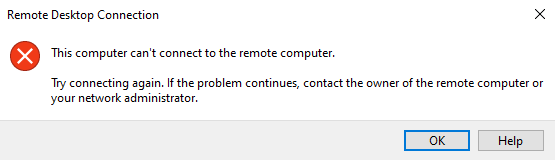
If you can't reach your VPS over RDP or SSH (directly or via our panel console), you'll see a "connection refused" message:
The cause
Your country and/or ISP IP range is on our firewall's deny list.
The fix
Submit a ticket to our networking department with your country and ISP name, and we'll whitelist your IP / country / ISP.
Submit a ticket (you'll need to be logged in).
