
Hide Your Palworld Server from the Game Servers List
By default your Palworld server appears in the in-game server browser. Here's how to hide it so it isn't publicly listed.
Hide the server
- Log in to the Game Panel.
- Open your server and click Commandline Manager.
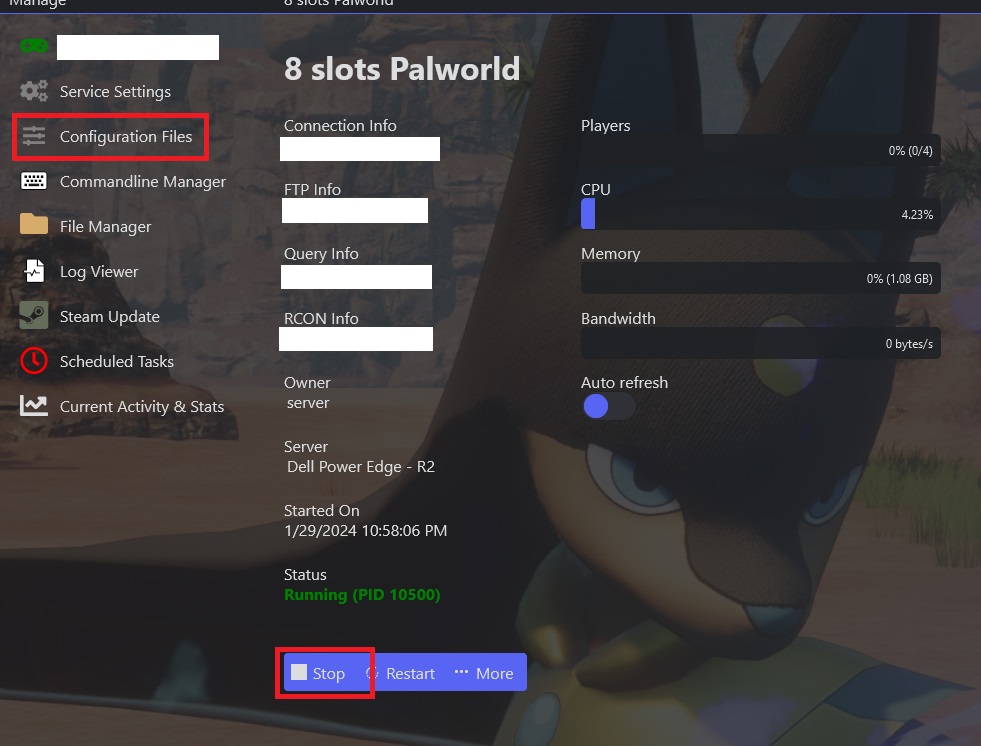
- Select Non-Public Listed [Optimized].

- Start the server.
Which option does what:
Non-Public Listed [Optimized] — your server is hidden from the game servers list.
Public Listed [Optimized] — your server is visible in the game servers list.
