
Set Up the WireGuard Client on Linux
Connect to your POT VPN on Linux using the WireGuard command-line client.
Set up the connection
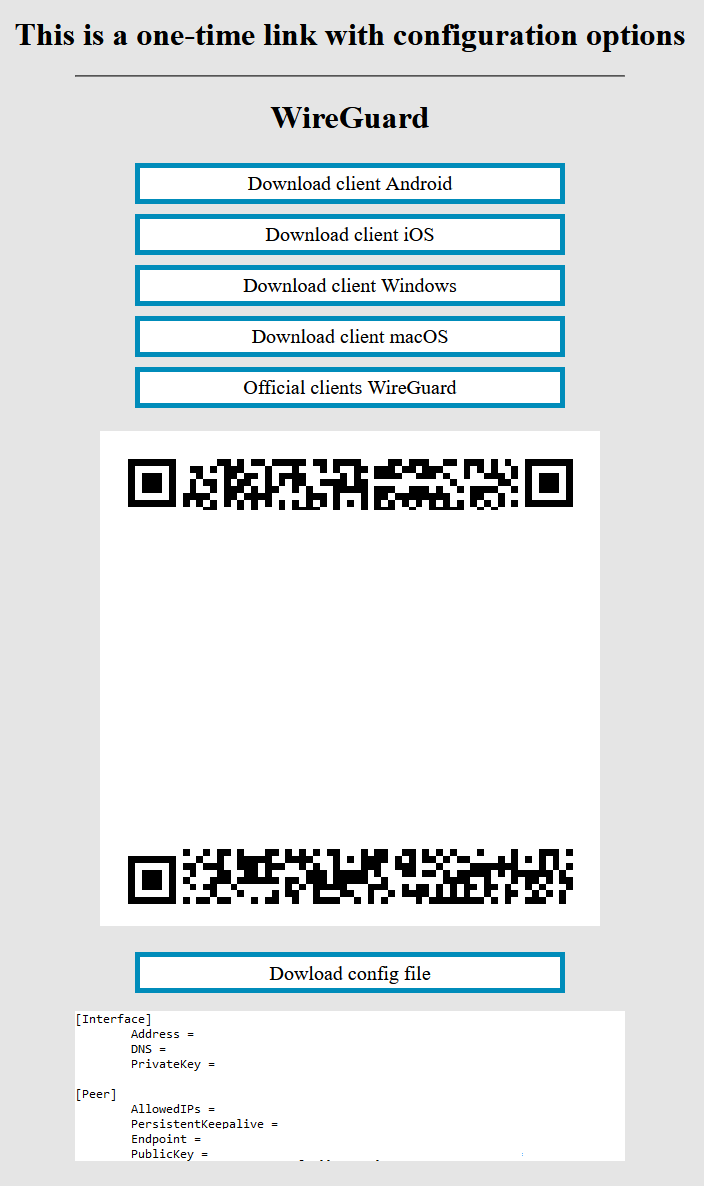
- Open the one-time link you received in a browser to see your VPN setup page.
- Install the client:
sudo apt install wireguard - Create a config file:
cd /etc/wireguard/thensudo nano wg0.conf - Copy the configuration text from your VPN page into the file and save it.
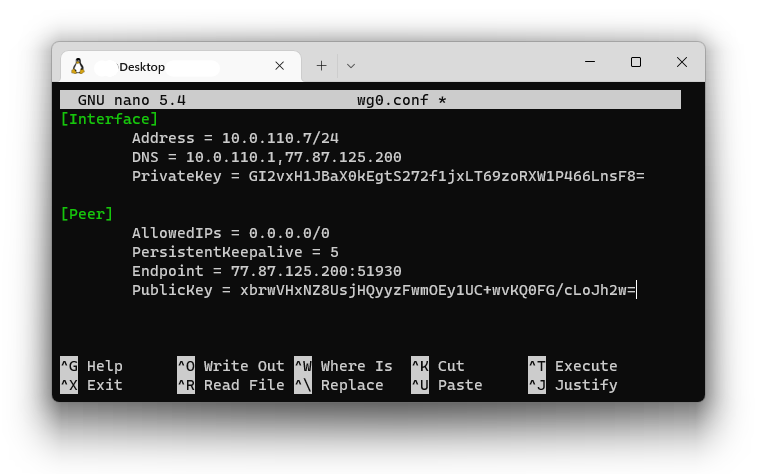
- Bring the tunnel up:
sudo wg-quick up wg0
To disconnect later, run sudo wg-quick down wg0.
