Connect to Your Satisfactory Server
Before you begin: in Steam, set the game to the Experimental branch — right-click Satisfactory → Properties → Betas → choose Experimental.
Add your server in-game
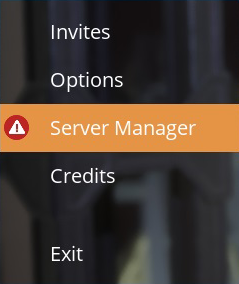
- Open the game and click Server Manager.
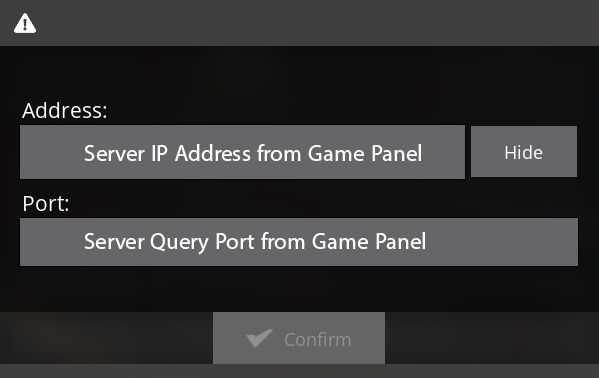
- Click Add Server and enter the server's IP and query port (not the game port).
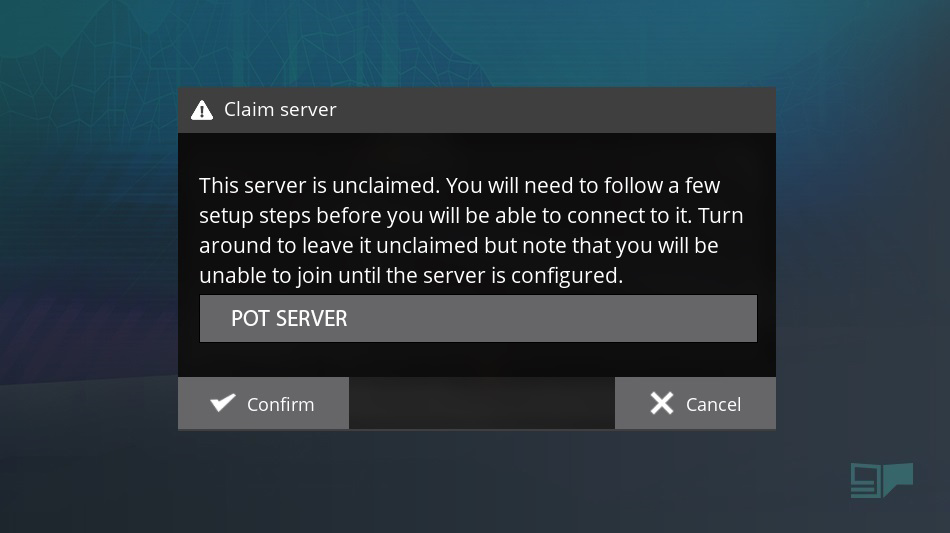
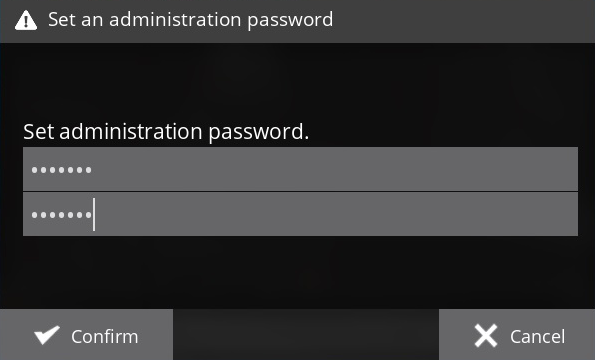
- The server loads its files and asks you to set a name and an admin password.
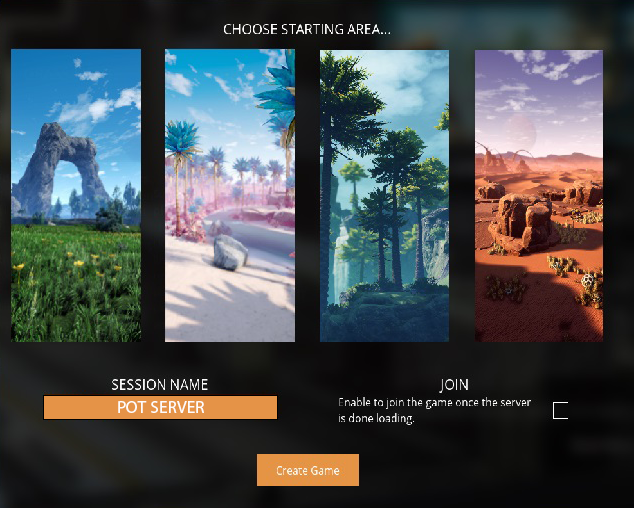
- Name your world and choose a starting location.
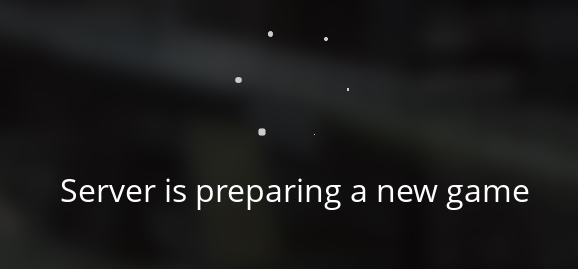
- The server loads your world — you're ready to play.
Tip: make sure the session tickbox is ticked — when everything's set, the Join button appears. If it crashes on first load, just reload back into the game and it should be fine.