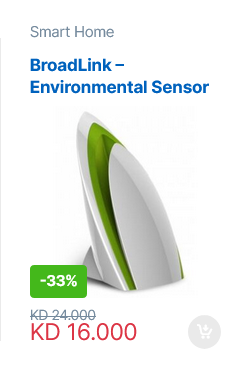
Fix the WooCommerce Currency Symbol with WPML
By default, WooCommerce can show some currencies in their native script (for example د.ك instead of KD). This guide makes the currency symbol translatable so it shows correctly in each language.
You'll need: a WordPress site, the WooCommerce and WPML plugins, and ideally a child theme (so your change survives theme updates).
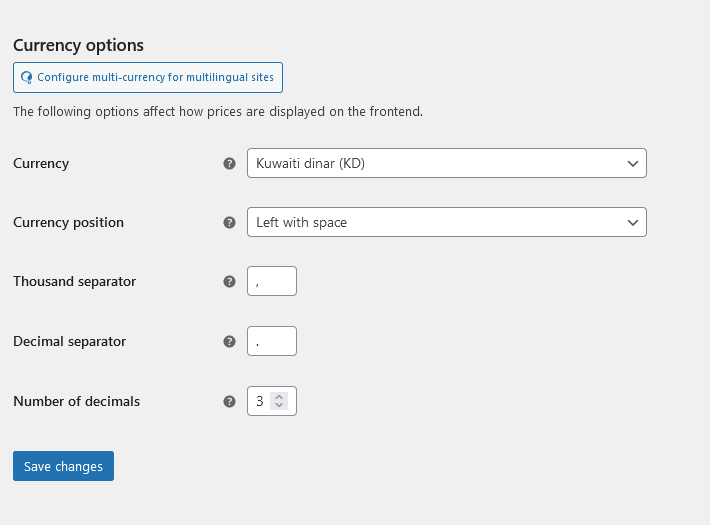
Part 1 — Add the currency filter to your child theme
- Log in to your hosting control panel and open your website's File Manager.
- Go to
httpdocs/wp-content/themes/your-theme-child/functions.php.
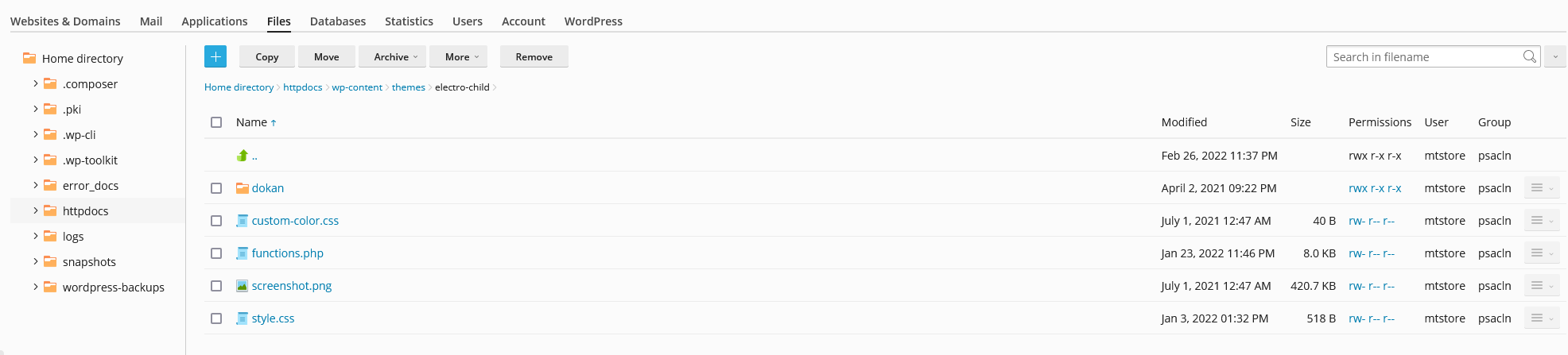
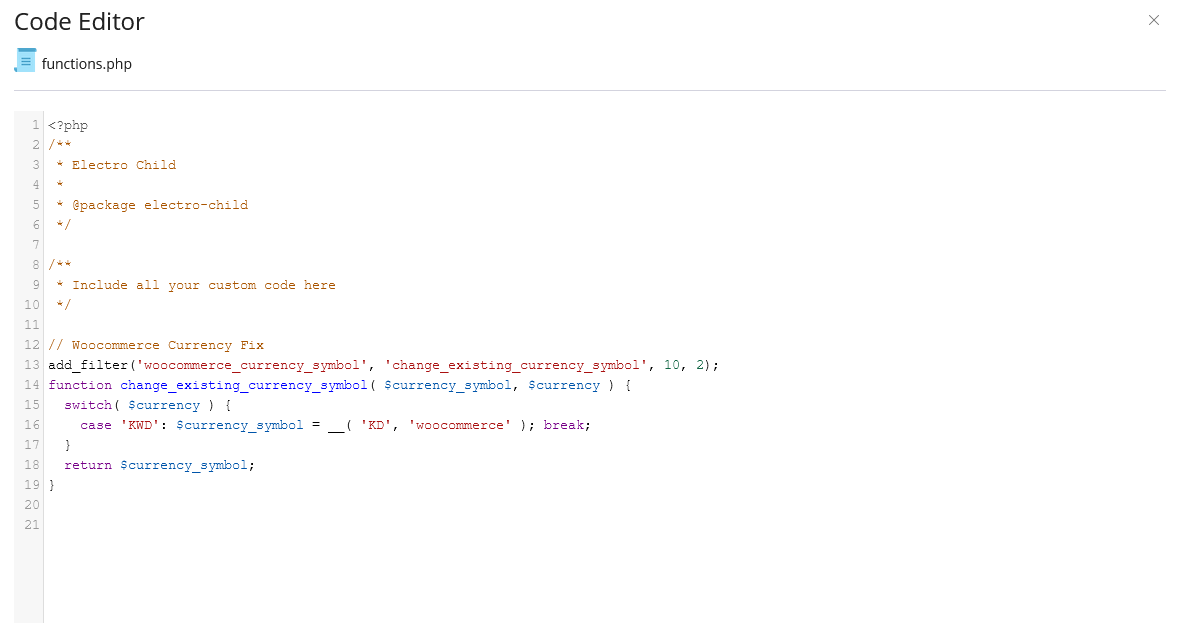
- Add the following below the existing child-theme code, changing
KWD/KDto match your WooCommerce currency:
// WooCommerce currency fix
add_filter('woocommerce_currency_symbol', 'change_existing_currency_symbol', 10, 2);
function change_existing_currency_symbol( $currency_symbol, $currency ) {
    switch( $currency ) {
        case 'KWD': $currency_symbol = __( 'KD', 'woocommerce' ); break;
    }
    return $currency_symbol;
}
- Save your changes.
Part 2 — Translate the symbol in WPML
- In WordPress admin, go to WPML → Theme and Plugins Localization.
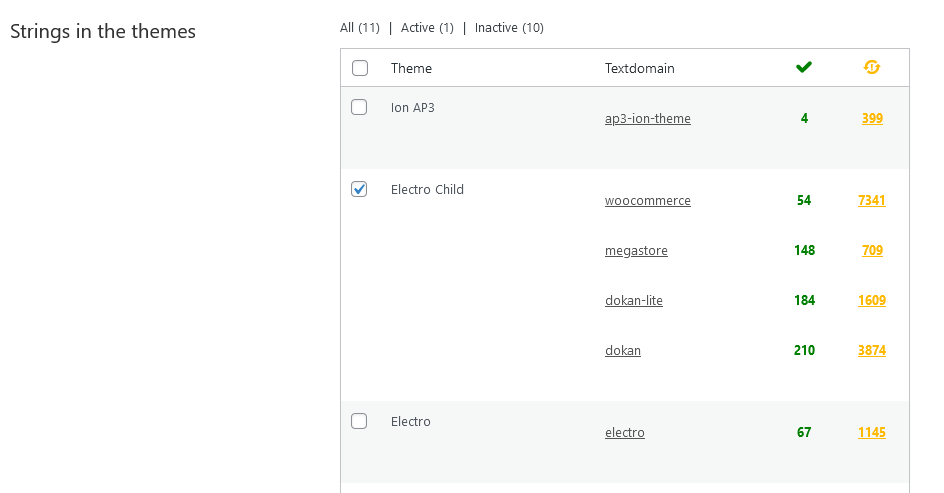
- Tick your child theme under Strings in the themes and click Scan selected themes for strings.
- Go to WPML → String Translation and search for the symbol you added (e.g.
KD).

- Click the + to translate it into your other language's symbol (it saves when you close the popup).
- Clear your website cache (important), then check your site — the currency now shows correctly in both languages.