Building with Zeta — How to Get Great Results (Websites, Apps & Modules)
Zeta is your AI builder, right inside your hosting panel. You describe what you want in plain language and Zeta designs, writes, and builds it for you — live, with no code to learn and no menus to hunt through. The single biggest thing that decides how good your result is? How clearly you describe what you want. This short guide shows you exactly how to talk to Zeta to get great results.
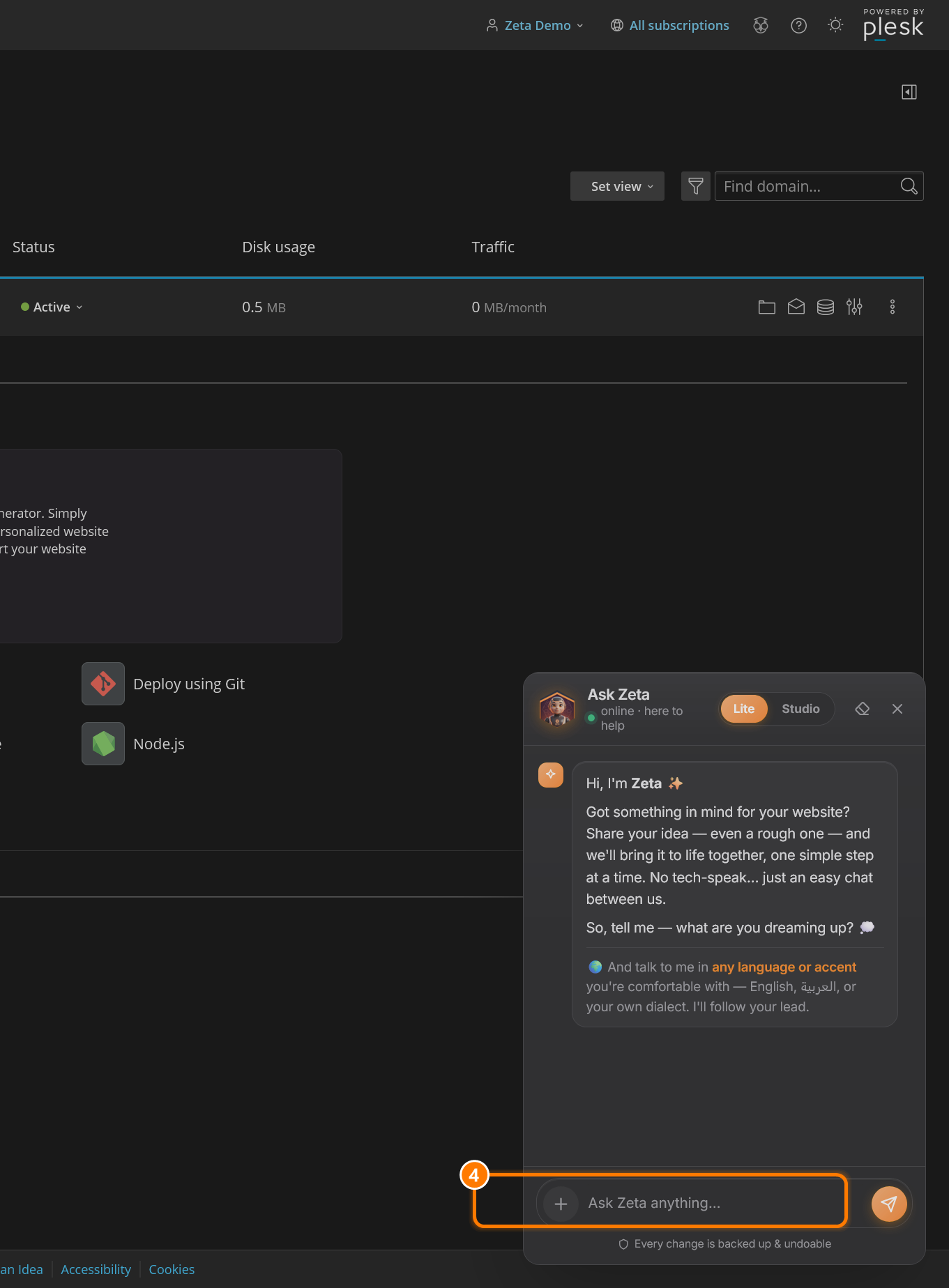
Before you begin: open Zeta from your hosting panel (see How to Use Zeta). You can write to Zeta in English, العربية, or your own dialect — it follows your lead.
The golden rule: describe, don't command
Think of Zeta as a talented designer who has just met you and knows nothing about your business yet. A one-line order leaves Zeta guessing. A short, rich description gets you something that already feels like yours. You don't need long paragraphs — just the right details.
The recipe for a great request
The best requests usually include these five ingredients. You don't need all five every time, but the more you give, the closer Zeta lands:
- Goal — what you want made (a website, a page, a form, a feature).
- Context — who you are, your business, and who your customers are.
- Details — the specifics: pages, sections, text, must-haves.
- Style — the feeling: modern, elegant, playful, corporate…
- Examples — a site you admire, your brand colours, or your logo.
See the difference
Same goal, two very different requests:
“Build me a coffee website.”
Zeta has to guess your name, your style, your pages, your colours — so the result is generic.
“I run a small specialty coffee shop in Kuwait City called Roast & Co. Build a modern, warm website with Home, Menu, About and Contact pages. Use earthy browns and cream. The Home page needs a big hero photo of coffee with our slogan ‘Crafted, not rushed’, our opening hours, and a button to view the menu. Keep it friendly and elegant.”
Example 1 — Build a website
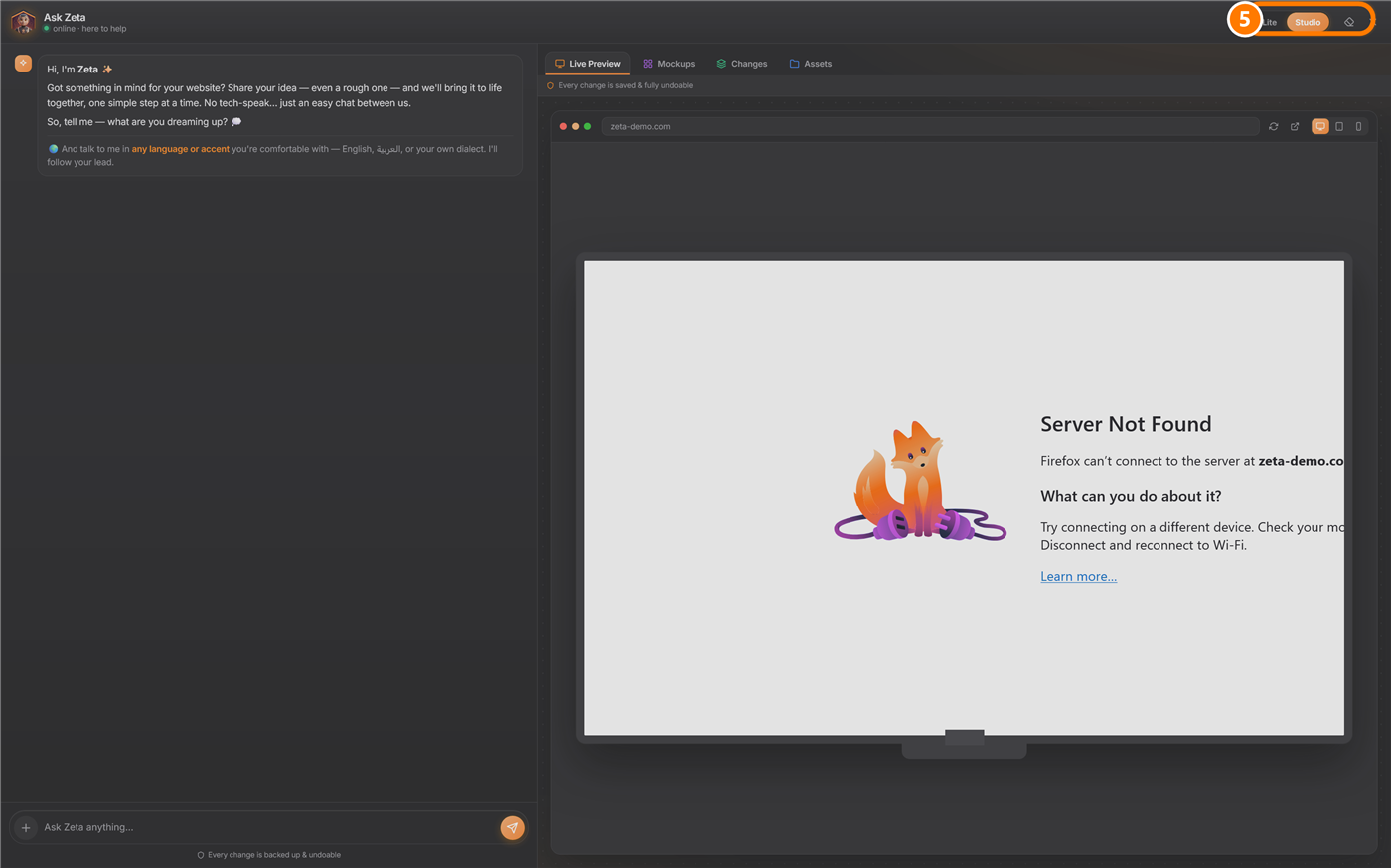
Send a request like the strong one above. Zeta creates the pages, writes the words, chooses matching images, and shows you a live preview in Studio that you can keep shaping.
Example 2 — Build a web app or mobile app
The same approach works for apps. Describe the screens, what people do on each, and what information you collect.
Example 3 — Add a feature or module to an existing site
Already have a site? Just tell Zeta what to add and where. Name the page, the fields or content, and what should happen.
How to refine the result
You won't always get it perfect on the first try — and that's the point. Zeta works in a back-and-forth. Give specific, one-thing-at-a-time feedback:
- “Make the hero text larger and centre it.”
- “Change the colour palette to navy and gold.”
- “Replace the About section with a photo gallery of our shop.”
- “Make it nicer.”
- “I don't like it, change everything.”
Quick tips for the best results
- Talk naturally — no technical words needed.
- One main goal per message for big changes; small tweaks can be combined.
- Tell Zeta about your business and who your customers are.
- Share examples — a website you admire, your brand colours, your logo.
- Not sure? Ask Zeta. e.g. “What sections should a dentist's website have?”
- Experiment freely — every change is backed up and fully undoable.
Lite vs Studio — which to use
- Lite — a compact chat beside your panel. Best for quick questions and small edits.
- Studio — the full workspace with a live preview, plus Mockups, Changes and Assets. Best for building and redesigning.
That's the whole secret: describe clearly, look at the preview, and refine. Zeta does the building.