
First-Time Setup for Your Project Zomboid Server
Setting up your Project Zomboid server for the first time takes a few quick steps.
First-time setup
- Open the server control panel.
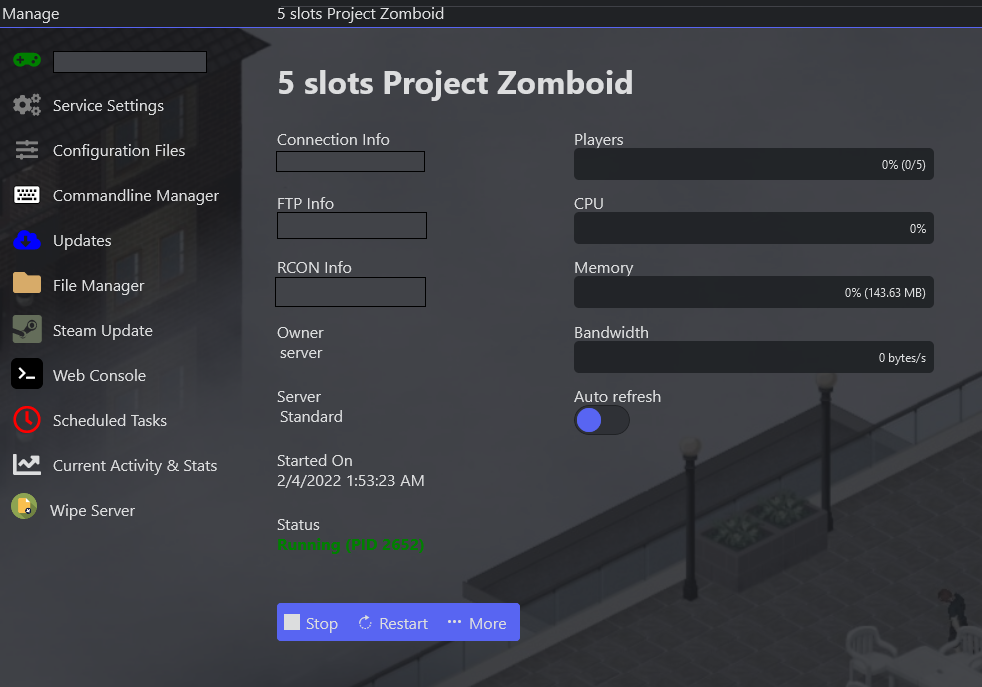
- In Commandline Manager, make sure the Default commandline is selected and applied.

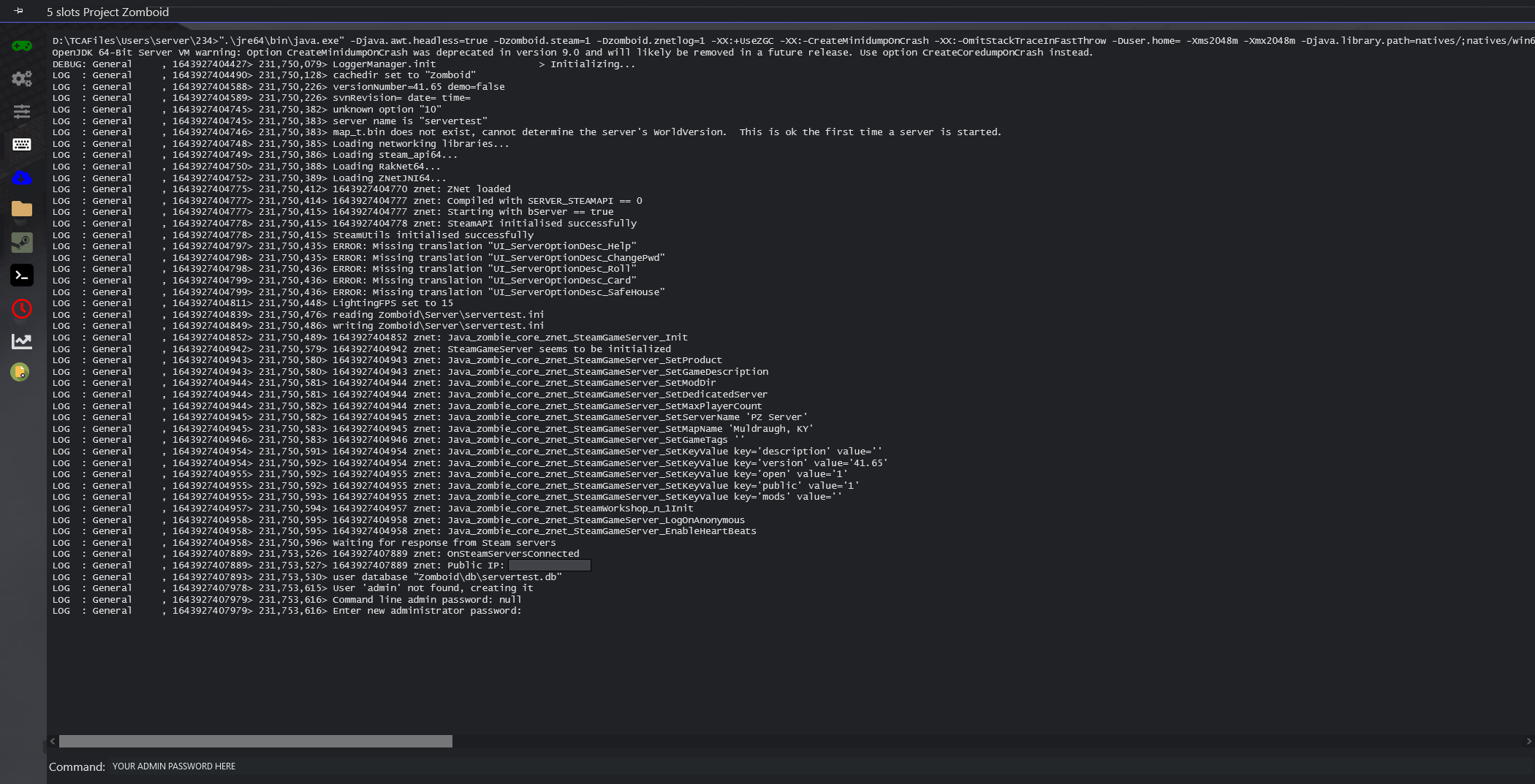
- In the Web Console, set an administrator password — the server needs this to finish loading the first time.
Your server is now ready to go.
