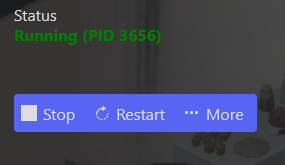
Fix the Project Zomboid "Running (PID 0)" Error
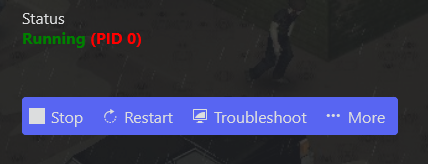
Starting your Project Zomboid server right after purchase often shows this error:
Running (PID 0)
How to fix it
- Open the server control panel.
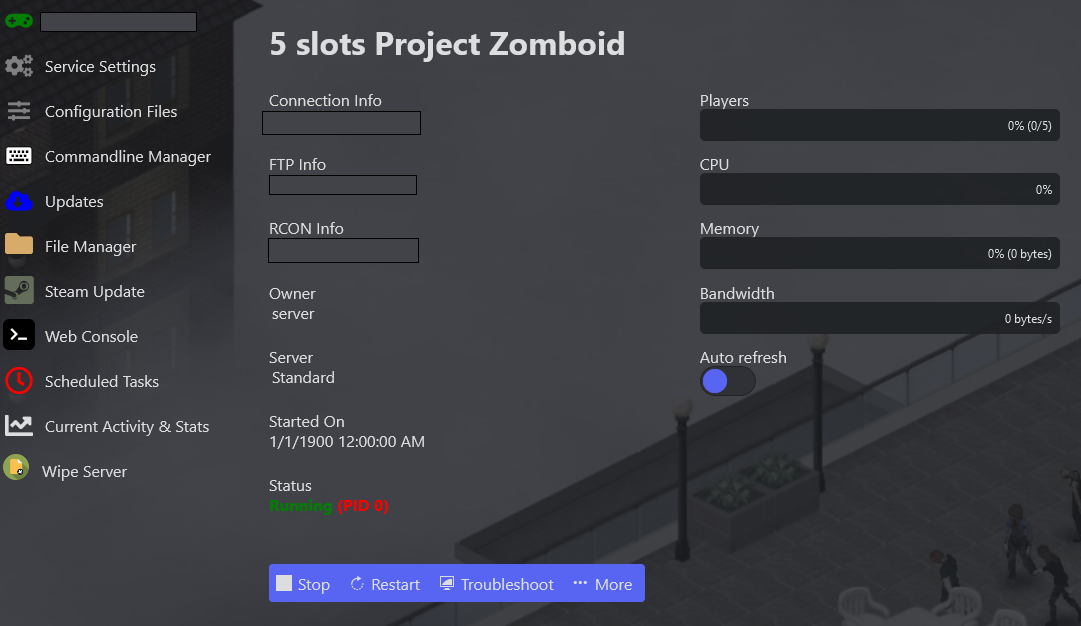
- Click Commandline Manager in the side menu, choose the Default commandline, click Select, then Apply.

- Restart the server — it should now be up and running.