
Requirements:
- Domain Hosted with us
- Host "rds.po-trade.com"
- Port "32799"
We have implemented a "Redis" caching system to boost your website response time to superior level by implementing in-memory data structure store used primarily as a database, cache, and message broker to be stored in RAM rather than disk since it offers sub-millisecond latency for high-speed read/write operations.
In return, you can connect your Wordpress website directly to our Redis Caching system by simply applying the following steps:
1- Add the following lines in your wp-config.php file before "/* That's all, stop editing! Happy blogging. *\"
define( 'WP_CACHE_KEY_SALT', 'your_domain:' );
define( 'WP_REDIS_HOST', 'rds.po-trade.com' );
define( 'WP_REDIS_PORT', 32799 );
2- Login to your Wordpress or Hosting admin area and search then install the plugin "Redis Object Cache":
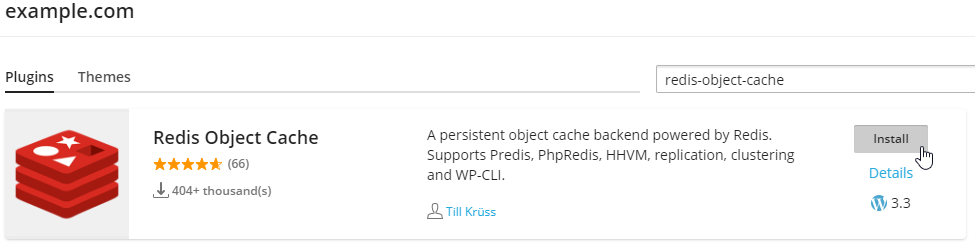
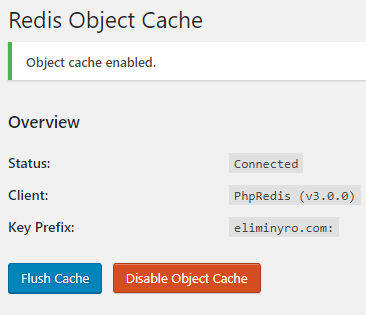
3- Enable object-cache in the plugin settings page – in WordPress. The final result will look something like below image
4- Thats it, Enjoy Fast Wordpress response time
