
Change Max Players for Java Games (Minecraft, Project Zomboid)
By default we don't set a max-player limit for Java games like Minecraft or Project Zomboid. Editing the limit directly in the config file won't stick — the service reverts it to the default. Use the panel instead.
Change the max players
- Log in to the Game Control Panel, open your server, and Stop it.
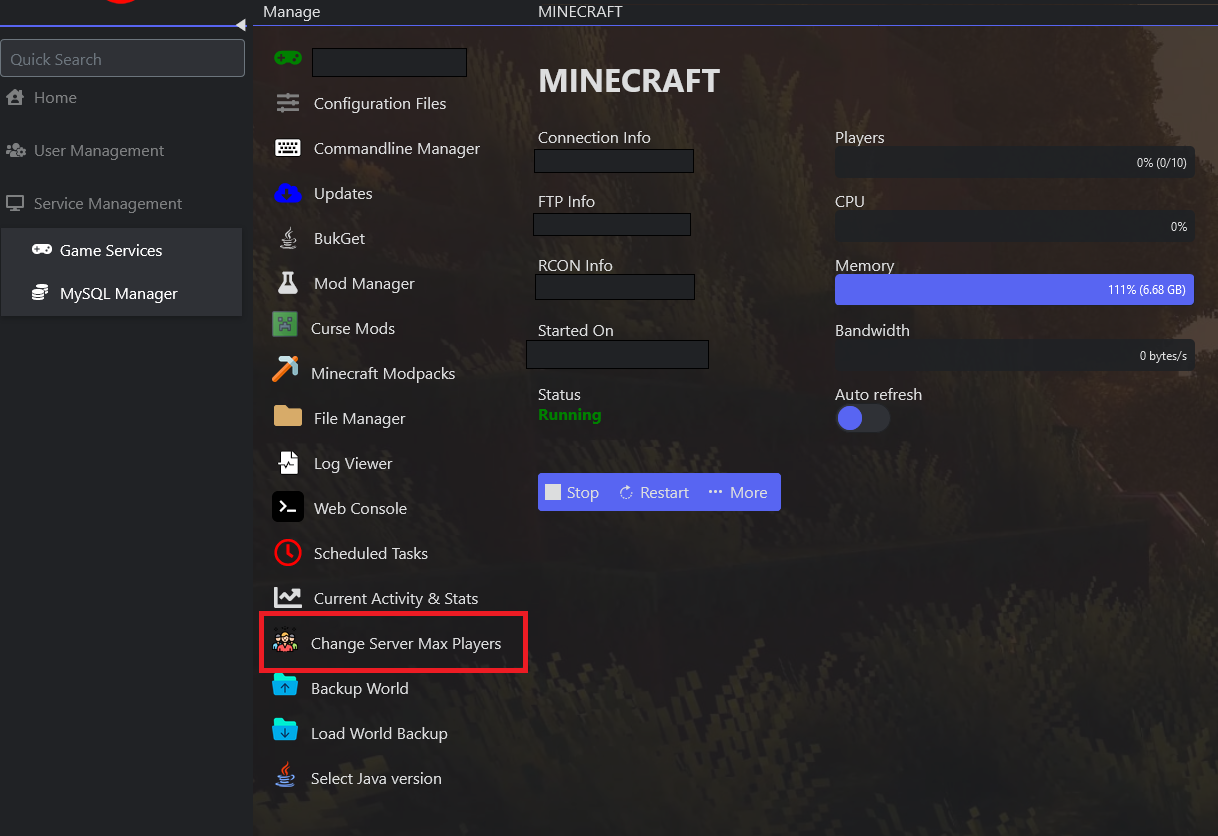
- Click Change Server Max Players in the side menu.
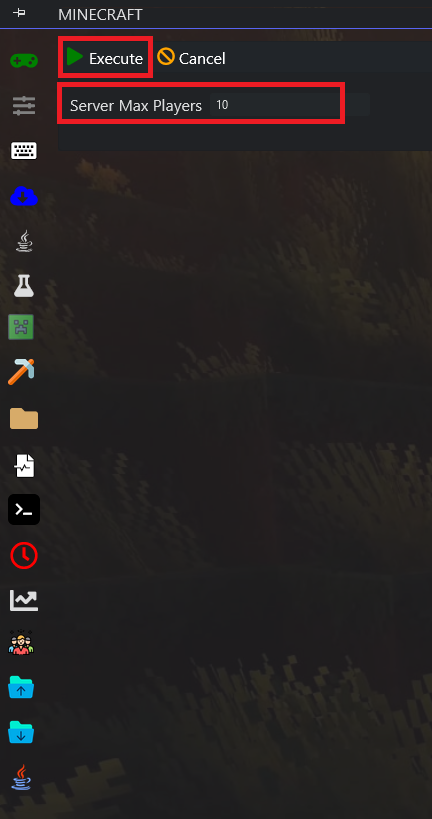
- Set your desired max players and click Execute.
- Start your server — the new player limit is now active.
