
Change Your Hosting Billing Cycle
You can change your hosting billing cycle (its duration) at any time — for example, switch from 1 month to 3 months, or from 12 months down to 6.
Change your billing cycle
- Log in to your account.
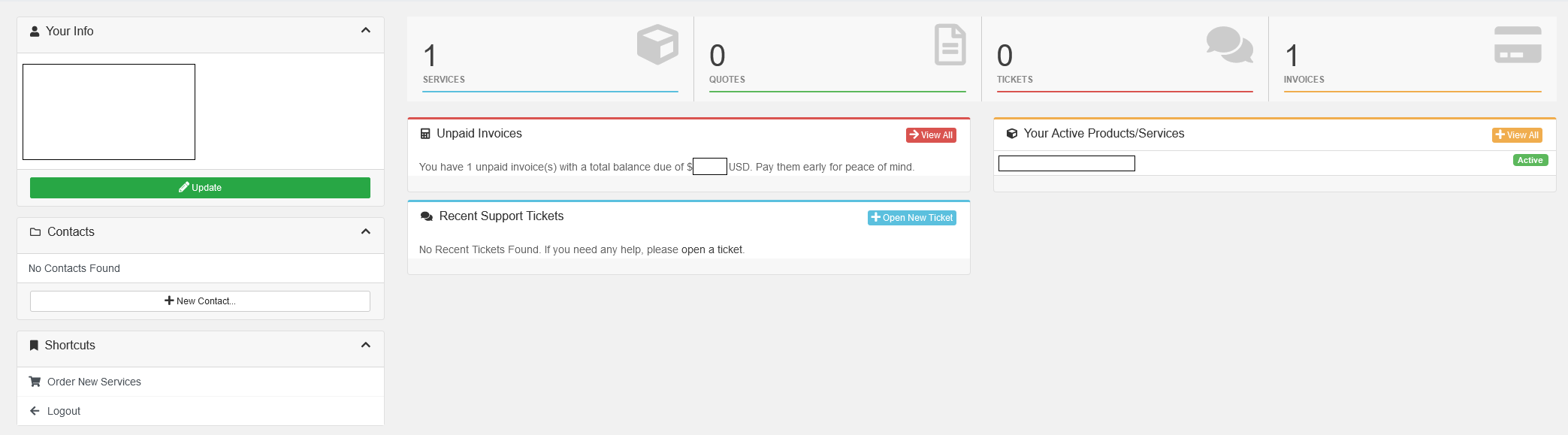
- Open your web hosting service.
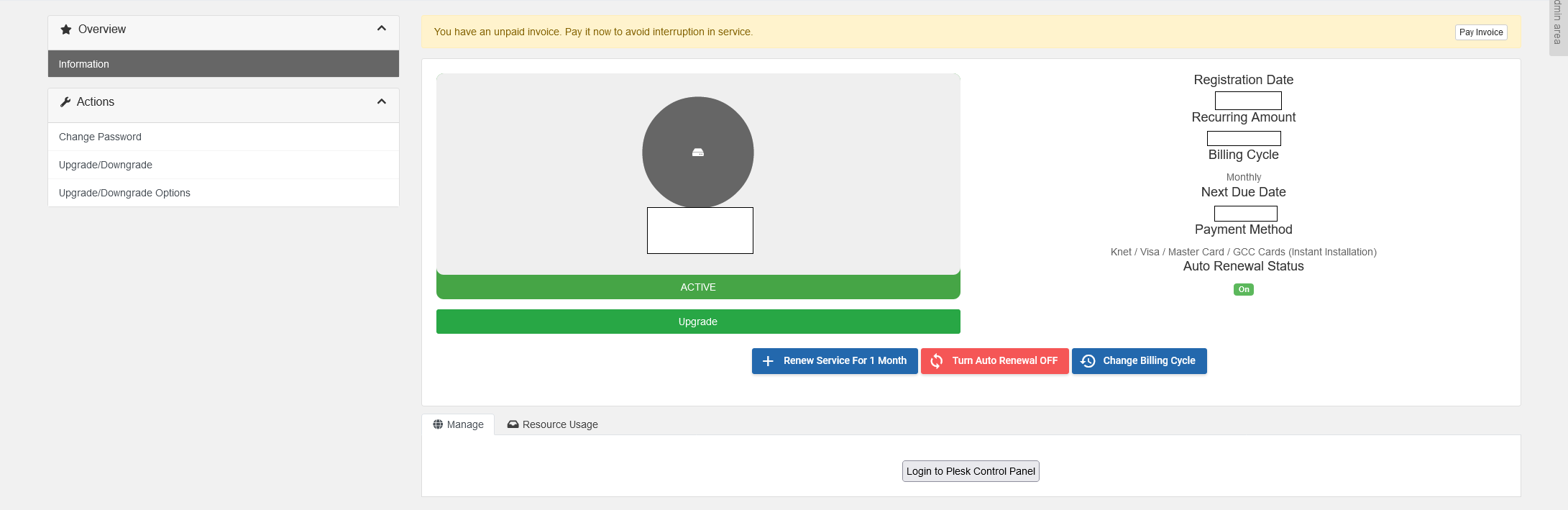
- In the side menu, click Change Billing Cycle.
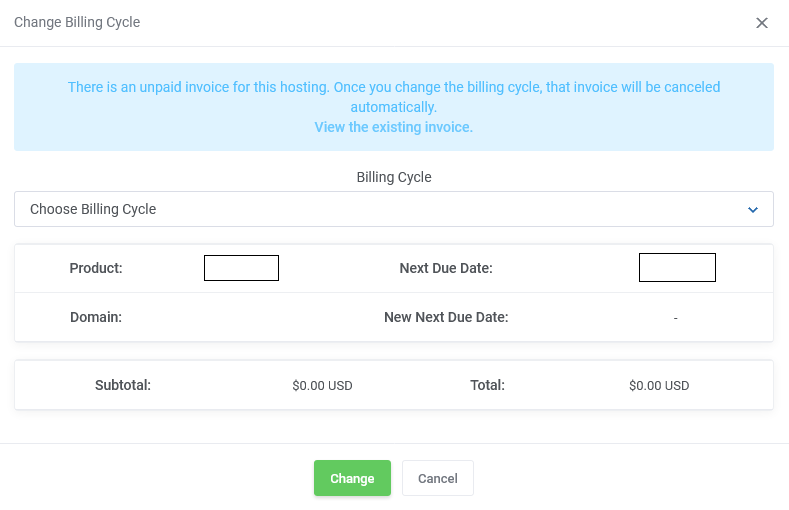
- Pick your new cycle from the dropdown, click Change, and complete payment for any difference. Your service switches to the new duration automatically.
