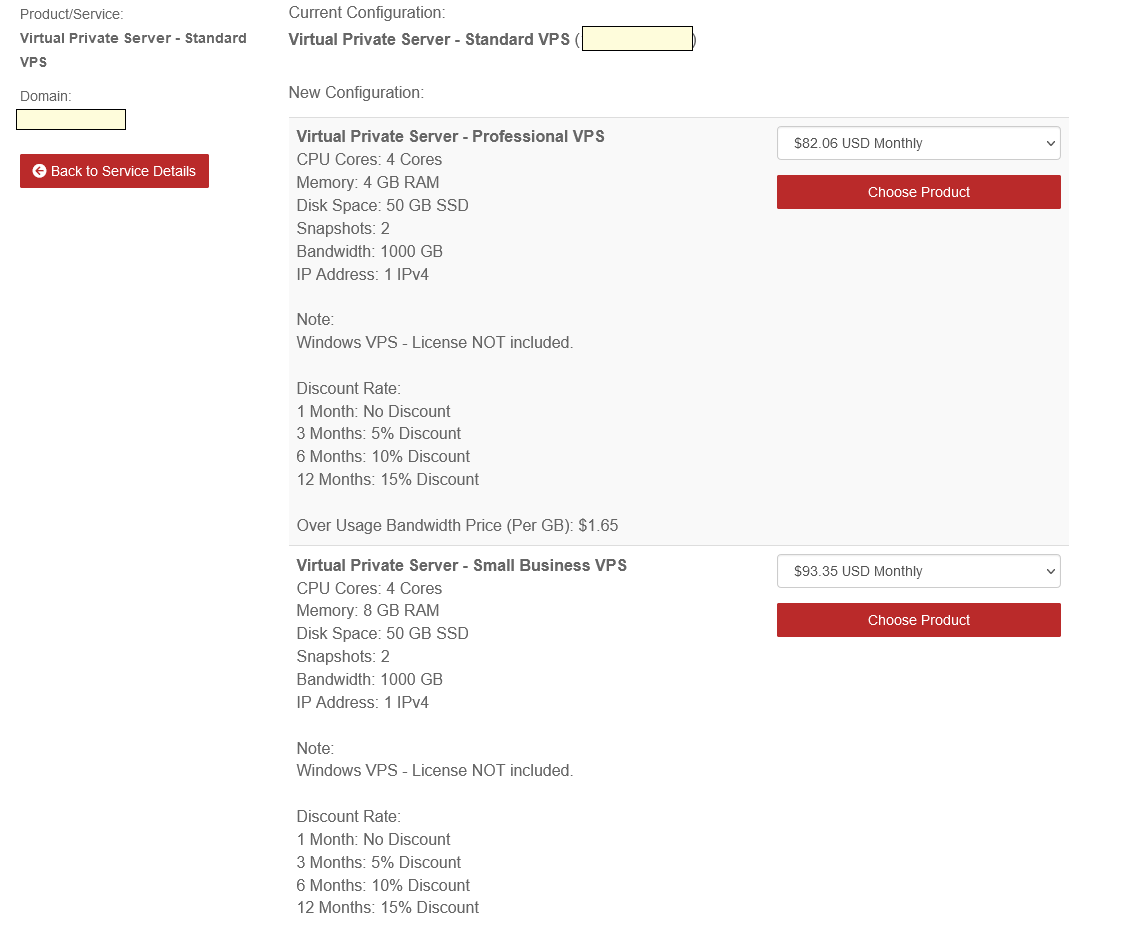
Upgrade Your VPS Plan
You can move your VPS to a higher plan (for example, Standard to Professional).
Important: a plan upgrade deletes your current VPS and creates a new one. Back up your data (to your PC or online storage) before you start.
Upgrade your plan
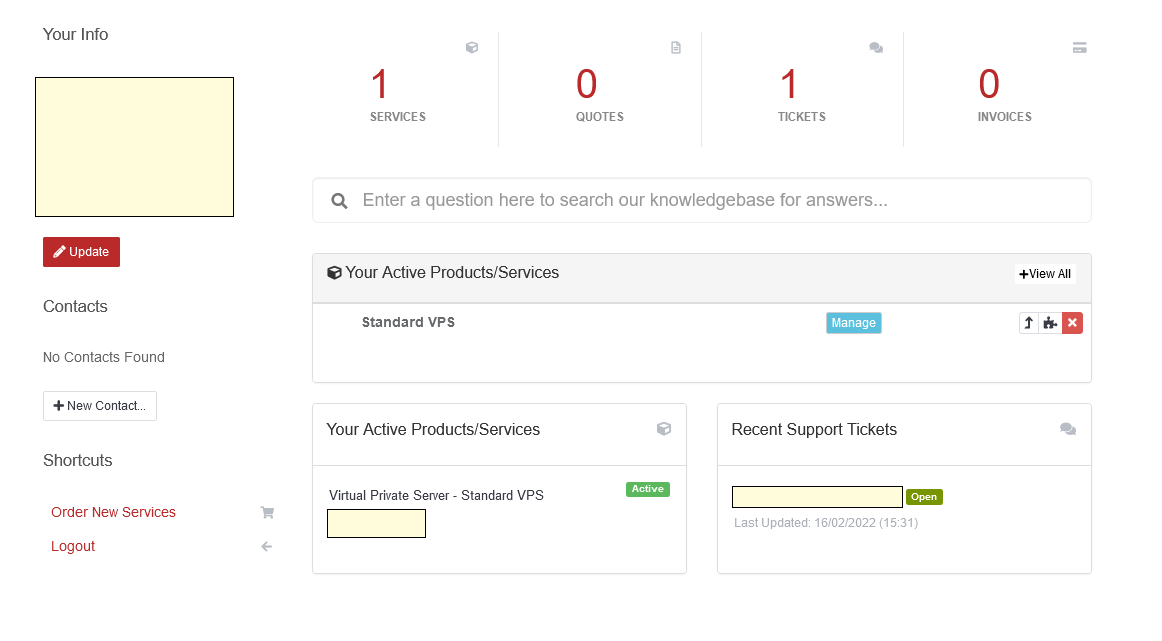
- Log in to your account and open your VPS details.
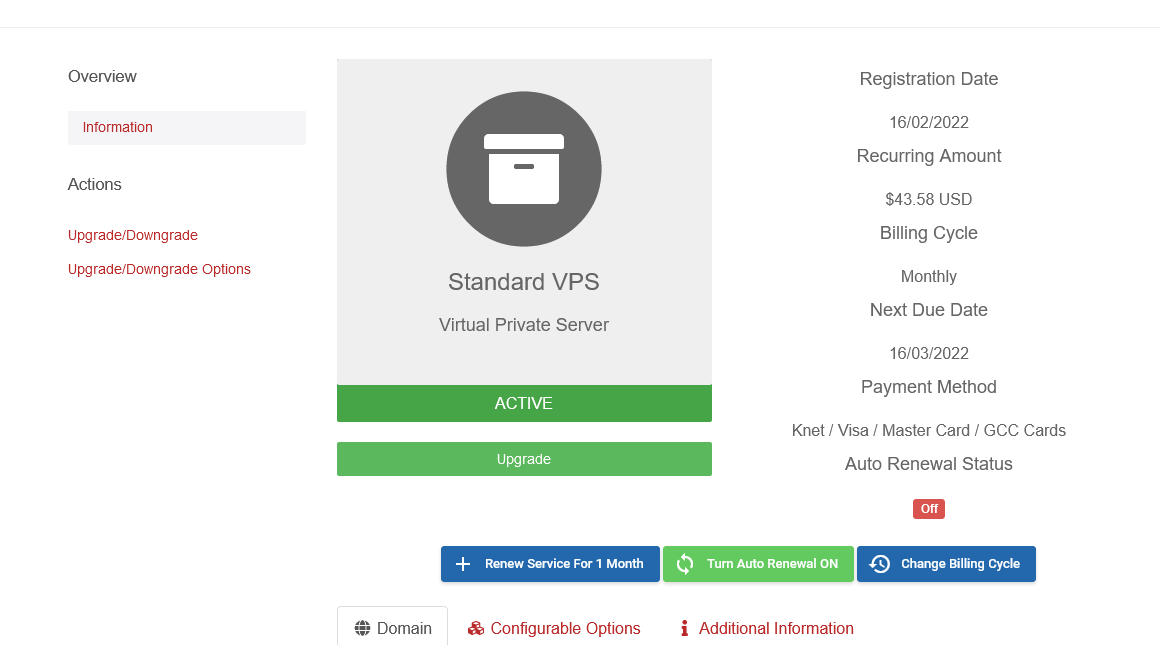
- Click Upgrade/Downgrades in the side menu.
- Select the plan you want and click Choose Product.